
Understanding Firmware Updates: What They Are and Why Gadgets Need Them

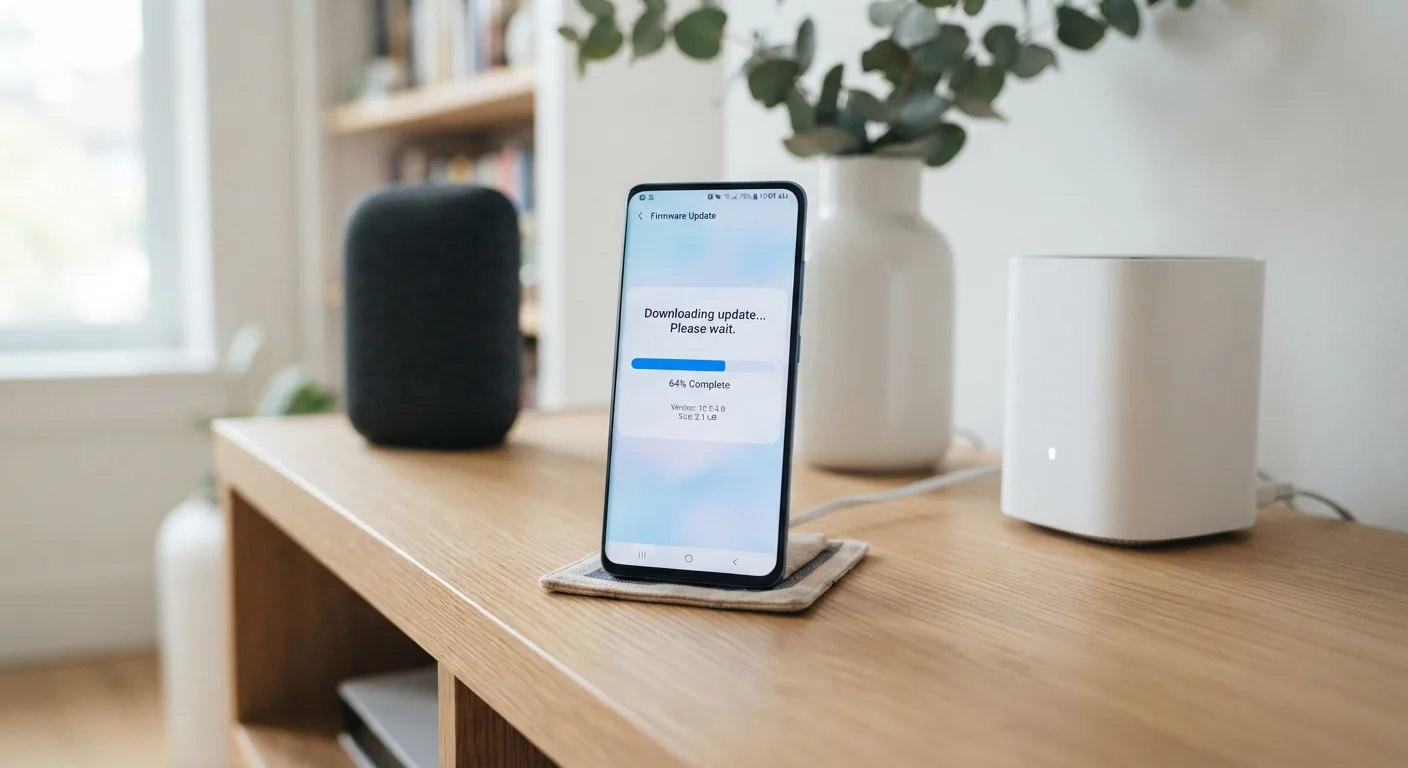
Firmware updates can feel mysterious. This explainer covers what they do, why manufacturers release them, and when it's safe to skip one.
Key takeaways
- Firmware is built-in software that controls how a device's hardware functions at a foundational level.
- Manufacturers release firmware updates to fix bugs, close security gaps, and occasionally add new features.
- Skipping security-related firmware updates can leave devices vulnerable to known exploits.
- Most modern gadgets download and install firmware updates automatically when connected to Wi-Fi.
- Unlike app updates, firmware updates usually require a device restart and cannot be easily reversed.
What Firmware Actually Does Inside Your Gadgets
Every gadget you own — your router, your wireless earbuds, your smart thermostat — runs on two layers of software. The first layer is the apps and interfaces you see and touch. The second, less visible layer is firmware: the code that lives inside the hardware itself and tells it how to function.
Think of firmware as the device's operating instincts. When you press the power button on your wireless speaker, firmware is what instructs the processor to wake up, initialize the Bluetooth radio, and prepare to receive audio. It handles the low-level coordination between a device's physical components that makes everything else possible.
Because firmware is embedded so deeply, it rarely changes on its own. When a manufacturer wants to modify how the hardware behaves — to fix a flaw, improve performance, or add a capability — they push out a firmware update. That update rewrites or supplements the existing code stored in the device's memory.
For a fuller glossary of terms like these, see the Everyday Gadget Glossary, which explains common tech terminology in plain English.
Why Manufacturers Release Firmware Updates
Firmware updates exist for three main reasons: security, stability, and occasionally new features.
Security Patches
This is the most important reason to pay attention to firmware updates. Researchers and manufacturers regularly discover vulnerabilities — weaknesses in the code that a malicious actor could exploit to access your device or network. Once a vulnerability is identified, manufacturers work to close it with a firmware patch. Home routers are a particularly common target; a router running outdated firmware can expose every device on your network.
Bug Fixes and Performance Improvements
Even thoroughly tested firmware ships with imperfections. Devices may freeze intermittently, drain battery faster than expected, or behave unpredictably in certain conditions. Firmware updates address these issues based on real-world user reports gathered after launch.
New Features and Compatibility
Occasionally, a firmware update unlocks entirely new functionality — a smart TV gaining support for a new video codec, or wireless earbuds gaining compatibility with an updated audio standard. Updates can also ensure a device remains compatible with new versions of the apps or accessories it connects to.
83%
Routers with known unpatched vulnerabilities
A study by the American Consumer Institute found that the vast majority of home routers tested were running firmware with known, unpatched security flaws.
~30 days
Average time to exploit after vulnerability disclosure
Security researchers have observed that threat actors often begin exploiting publicly disclosed hardware vulnerabilities within weeks of a patch being released, underscoring the urgency of timely updates.
3–5 years
Typical manufacturer firmware support window
Most consumer electronics manufacturers commit to firmware updates for a defined period after a product launches; devices beyond that window no longer receive security patches.
How Firmware Updates Work in Practice
For most modern gadgets, firmware updates happen with minimal effort on your part. Smartphones, smart speakers, and connected home devices typically check for updates automatically when connected to Wi-Fi and download them in the background. You may see a notification asking you to restart the device to complete installation — that restart is usually when the new firmware actually takes effect.
Some devices, particularly routers and older smart home hardware, require you to initiate updates manually through a settings menu or a manufacturer's app. It's worth checking these periodically, since they don't always alert you proactively.
Check Your Router's Firmware Regularly
Unlike smartphones, home routers often don't update automatically and don't send obvious notifications. Log into your router's admin panel every few months and look for a firmware or software update option — it's usually under a 'Advanced' or 'Administration' menu. Keeping your router current is one of the most effective steps you can take for whole-home network security.
One important distinction from app updates: firmware changes are generally difficult or impossible to undo. While some devices support a rollback to a previous version, many do not. This is why manufacturers test firmware extensively before release — and why you should only install updates from official sources.
Keeping firmware current is one of the foundational habits covered in keeping your gadgets in good shape for longer, alongside charging practices and physical care.
When It's Reasonable to Wait — and When It Isn't
Not every firmware update demands immediate action. A release focused on minor performance tuning carries little urgency. Waiting a few days to see whether other users report problems is a sensible approach for low-stakes updates.
Security updates are a different matter. When a manufacturer explicitly notes that a release patches a security vulnerability, delaying leaves your device exposed to a known risk — one that bad actors may already be aware of. In those cases, updating promptly is the right call.
It's also worth knowing that firmware updates are distinct from the app updates on your phone or computer. Both matter for different reasons. Skipping app updates carries its own risks, but the consequences operate at a different layer of your device's software stack. Similarly, if your devices feel sluggish and cluttered, that's often a software issue rather than a firmware one — signs of digital clutter are worth learning to recognize separately.
For a broader look at managing all aspects of smart device ownership, the Complete Guide to Living with Everyday Smart Gadgets puts firmware in context alongside setup, connectivity, and long-term maintenance.
Frequently Asked Questions
All published content on this website is for informational and educational purposes only and should not be taken as professional advice. We recommend that readers seek expert opinion before making any decisions. The website is not responsible for any actions taken based on the information provided on this website. We are not liable for any inaccuracies, modifications, or omissions in information. Moreover, external links or third-party content are provided for convenience; we are not liable for their correctness. Users are advised to verify every piece of information before they use it for any purpose.