
App Updates: Why Ignoring Them Creates More Problems Than It Solves

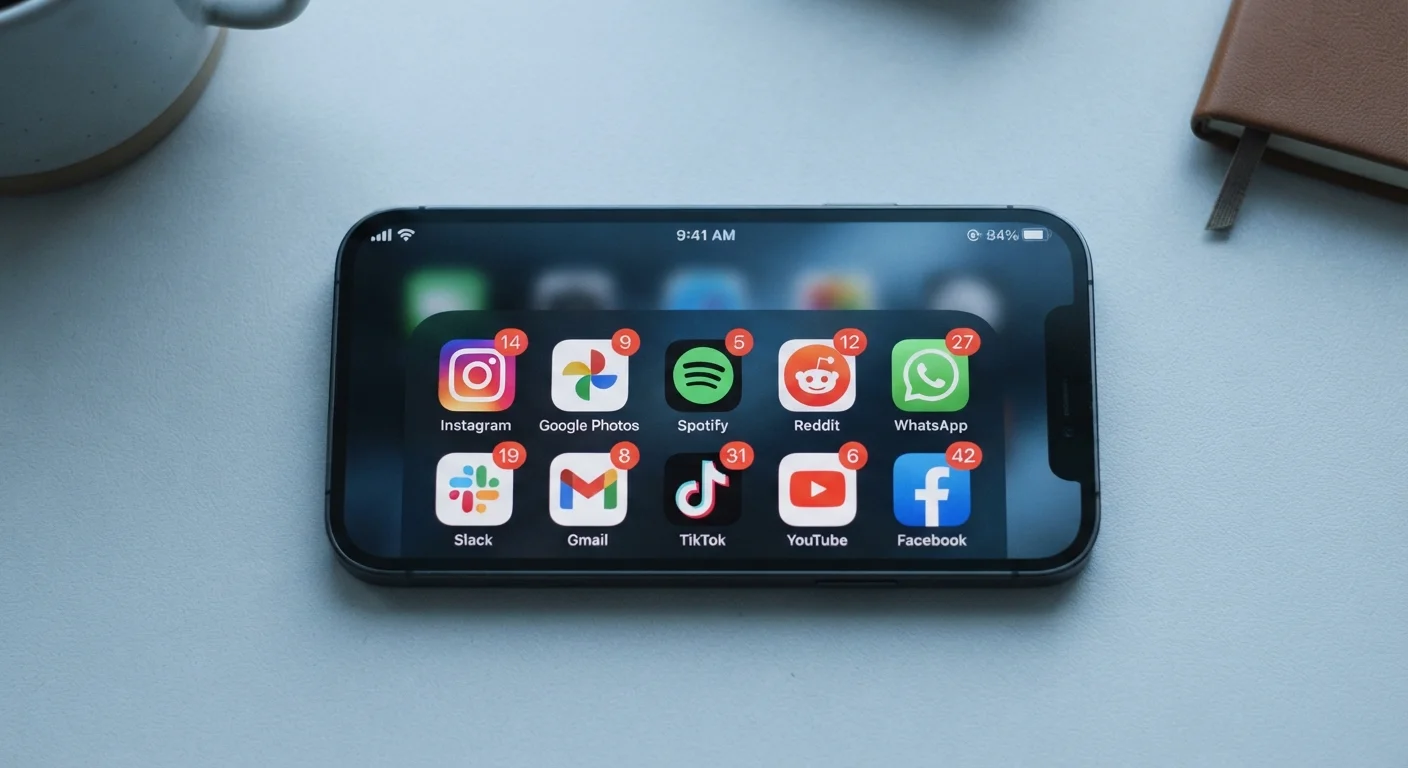
Skipping updates feels harmless, but outdated apps carry real security and compatibility risks. Here's what's actually happening behind the 'update' button.
Key takeaways
- Skipping app updates leaves known security vulnerabilities open on your device.
- Outdated apps can break compatibility with your phone's operating system over time.
- Many updates include bug fixes that directly affect performance and daily usability.
- Automatic updates are a reliable safeguard, but periodic manual review is still worthwhile.
- Not all updates require immediate action — but a consistent update habit protects you most.
Why Skipping Updates Feels Reasonable (But Isn't)
The instinct to dismiss an app update notification is understandable. Updates arrive at inconvenient moments, sometimes require a restart, and the changelog rarely explains anything in plain English. Phrases like "performance improvements" or "bug fixes" tell you almost nothing, which makes delay feel like a reasonable choice.
But what's actually happening behind that update prompt matters more than most people realize. Developers release updates for a range of reasons — some cosmetic, many functional, and a significant number tied directly to security. When you tap "remind me later" repeatedly, you're not just postponing a minor inconvenience. You're leaving your app — and sometimes your broader device — running on code that may contain known weaknesses.
This article breaks down the most common mistakes people make around app updates, why those habits develop, and what a smarter approach actually looks like.
Common Mistakes That Put Your Apps — and Data — at Risk
Dismissing update prompts repeatedly without ever acting on them.
Why it happens: Update notifications arrive at inconvenient times and offer little explanation of what's changing, so deferring feels like a low-cost decision.
Assuming an app is safe because it worked fine yesterday.
Why it happens: Stability feels like evidence of security, but the two are independent. An app can function normally while containing an unpatched vulnerability that exposes your data.
Updating the operating system but not the apps running on it.
Why it happens: OS updates feel more significant and are often installed promptly, but app updates get treated as optional — even though the two are interdependent.
Avoiding updates out of fear they'll change a familiar interface.
Why it happens: Some updates do redesign interfaces, and users who've adapted to a layout reasonably want to avoid disruption. This leads to blanket avoidance of all updates.
Keeping apps installed and outdated rather than removing unused ones.
Why it happens: Apps accumulate passively, and it's easier to ignore them than to audit and remove them. Outdated, unused apps still carry security risks even when rarely opened.
Understanding these patterns is the first step toward building a more reliable update habit. The good news is that most fixes are straightforward once you know what's driving the problem.
The Security Gap You Can't See
One of the most important things to understand about app updates is that security patches are rarely announced loudly. When a vulnerability is discovered in an app — meaning a flaw that could allow unauthorized access to your data, device, or accounts — developers work to fix it quickly. The patch ships in an update. The vulnerability itself is often disclosed publicly only after the fix is available, which means the window between "flaw discovered" and "users update" is exactly when risk is highest.
60%
of mobile breaches involve known, patchable vulnerabilities
Research from cybersecurity organizations has consistently found that a majority of successful mobile exploits target vulnerabilities for which patches already existed but had not been applied.
30 days
Average lag between patch release and widespread user adoption
Security analysts have observed that even after fixes are released, many users take weeks to update, leaving a prolonged window of exposure at the device level.
This is sometimes called a zero-day or post-disclosure exposure window. Users running outdated app versions remain exposed even after a fix exists. It's not hypothetical: security researchers and independent organizations routinely document real-world cases where unpatched app vulnerabilities were exploited after fixes had already been released.
Apps that handle sensitive information — banking, health records, email, cloud storage — carry the most meaningful risk when left outdated. But even apps that seem low-stakes can store login credentials or access permissions that create indirect exposure. If you're curious about how software clutter compounds this problem, signs of software bloat are worth reviewing alongside your update habits.
Compatibility Breaks and the Hidden Performance Cost
Security aside, there's a purely practical reason to keep apps current: compatibility. Mobile operating systems — iOS and Android — update on their own schedules, and app developers must update their code to keep pace. When an OS update changes how apps access the camera, microphone, storage, or networking, older app versions can behave erratically or stop functioning altogether.
This is why an app that worked perfectly last month might suddenly crash, refuse to load, or display broken layouts after your phone updates. The app didn't change — the environment it runs in did. Developers who anticipate this release compatibility updates ahead of or alongside OS changes. Users who haven't updated receive none of those fixes.
Performance degradation is subtler but equally real. Developers often optimize memory usage, reduce battery drain, and fix logic errors through updates. An app running two or three versions behind may consume more battery or data than its updated counterpart — costs that accumulate invisibly over time. This connects closely to the kind of sync issues described in how sync conflicts develop across devices: version mismatches between devices running different app versions are a leading cause of data sync failures.
For a broader picture of how updates differ across software types, firmware updates work differently but share many of the same underlying principles around compatibility and patching.
Building a Smarter Update Habit
The most effective change most people can make is enabling automatic app updates on their device. Both iOS and Android support this natively in their settings menus, and it means security patches and bug fixes are applied without requiring any decision from you. This removes the friction that causes delay in the first place.
That said, automatic updates work best for apps you use regularly and trust. It's still worthwhile to periodically review your installed apps — both to remove ones you no longer use and to manually check update status for any that automatic settings might have missed. Getting more from apps already on your phone is easier when those apps are running their latest, most capable versions.
For those who prefer more control, a reasonable middle ground is checking for updates once a week and reviewing changelogs for any app that accesses sensitive data. Many developers now write clearer release notes that describe what changed and why. When in doubt, updating is almost always the lower-risk choice compared to waiting.
If notification overload is part of what makes update prompts feel irritating, that's a separate problem worth solving directly — managing notification overload without removing apps is genuinely achievable with the right settings.
All published content on this website is for informational and educational purposes only and should not be taken as professional advice. We recommend that readers seek expert opinion before making any decisions. The website is not responsible for any actions taken based on the information provided on this website. We are not liable for any inaccuracies, modifications, or omissions in information. Moreover, external links or third-party content are provided for convenience; we are not liable for their correctness. Users are advised to verify every piece of information before they use it for any purpose.