
Keeping Your Gadgets in Good Shape for Longer

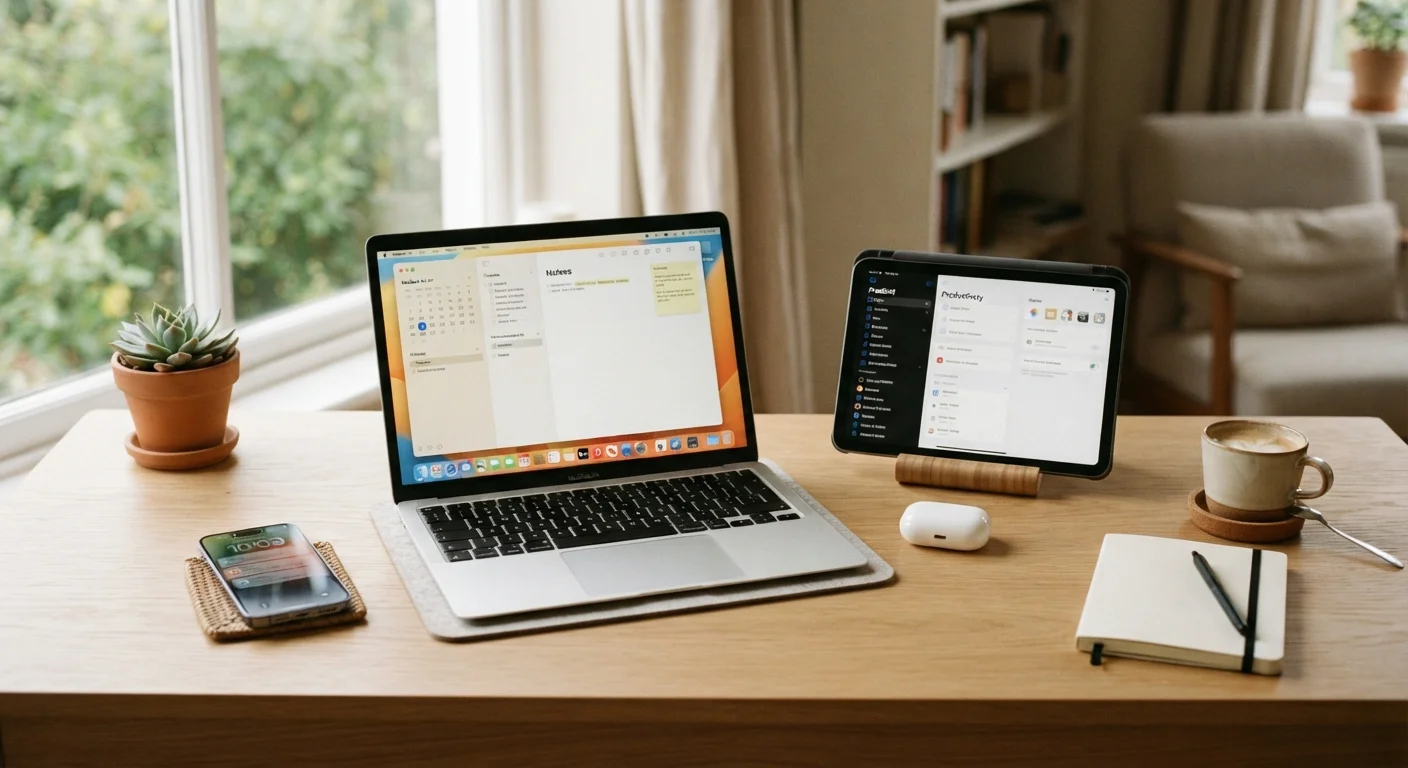
Simple, consistent habits that protect your devices from early wear — covering storage, cleaning, charging, and software upkeep.
Key takeaways
- Heat, dust, and moisture are the three most common causes of premature gadget failure.
- Charging habits — not just charger type — significantly affect long-term battery health.
- Keeping software updated protects both performance and security on every device.
- Regular cleaning and proper storage prevent damage that warranties often don't cover.
- Small, consistent routines cost nothing but can delay expensive replacements by years.
Why Gadget Longevity Starts With Everyday Habits
Most people replace smartphones, tablets, and laptops not because the device stopped working entirely, but because it slowed down, the battery gave out, or a cracked screen finally became too frustrating to ignore. In most of those cases, a few low-effort habits applied earlier could have extended the device's useful life by a year or more — saving hundreds of dollars in the process.
This isn't about becoming a tech expert. It's about understanding how your devices age and making small adjustments to slow that process down. Heat, physical wear, software neglect, and poor charging routines account for the vast majority of early gadget decline. The good news is all of them are manageable with everyday care. For a deeper look at how misconceptions might already be affecting your devices, see our article on common gadget myths.
Best Practices for Keeping Devices in Good Shape
The following practices are grounded in how consumer electronics actually degrade — covering physical care, power habits, and software upkeep. Apply them consistently and you'll notice the difference in how your devices perform over time.
Keep devices away from heat sources and direct sunlight
Heat is the single most damaging environmental factor for consumer electronics. Prolonged exposure to high temperatures degrades batteries faster, weakens adhesives that hold screens in place, and can warp plastic components. Even leaving a phone on a sunny car dashboard for an hour causes measurable battery stress.
Clean ports, vents, and surfaces regularly with appropriate tools
Dust and debris accumulate in charging ports, speaker grilles, and cooling vents over time. Blocked vents cause laptops to overheat; lint-packed ports lead to unreliable connections and, eventually, charging failures. Routine cleaning costs nothing and prevents damage that's expensive to repair.
Avoid letting batteries drain completely before recharging
Lithium-ion batteries have a finite number of charge cycles, and deep discharges — draining to 0% — count as more stressful cycles than partial top-ups. Consistently running devices to empty accelerates capacity loss, meaning your battery holds less charge sooner than it should.
Use a case and screen protector from day one
Drops and scratches are the leading cause of physical damage to smartphones and tablets. A quality case absorbs impact energy that would otherwise transfer directly to the device's frame and internals. Screen protectors prevent surface scratches that reduce display clarity over time.
Keep software and firmware updated consistently
Manufacturers release updates that patch security vulnerabilities and improve how efficiently software uses hardware. Devices running outdated software not only face security risks but often experience performance issues as unpatched bugs accumulate. Updates are one of the easiest forms of maintenance available.
Store devices properly when not in use for extended periods
Devices stored at a full 100% charge or a near-zero charge for weeks or months experience battery stress that permanently reduces capacity. Temperature-controlled, dry storage also prevents moisture damage and case warping.
Charging Smarter, Not Just More Often
Battery health is one of the fastest-degrading aspects of any rechargeable device, but it's also one of the most controllable. Lithium-ion batteries — used in nearly every smartphone, laptop, and wireless earbud — wear out faster when routinely charged to 100% and allowed to drain to 0%. Keeping charge levels roughly between 20% and 80% reduces stress on battery cells over time.
Heat generated during charging compounds this wear. Charging a phone inside a case, on a soft surface like a bed or couch, or in a hot car accelerates battery degradation. Removing cases during extended charging sessions and keeping devices on hard, flat surfaces improves heat dissipation. For a detailed comparison of charging methods and their effect on battery longevity, see wired vs. wireless charging.
Set a Charge Limit If Your Device Supports It
Many modern smartphones and laptops now include a built-in battery protection setting that caps charging at 80% during overnight or extended charging. This feature is specifically designed to reduce the wear caused by sitting at full charge for long periods. Check your device's battery or power settings to see if this option is available — enabling it requires no ongoing effort and can measurably extend battery lifespan.
It's also worth knowing that standby power draw from devices left plugged in when fully charged can add up on your energy bill. Our guide on devices that quietly drain your energy bill covers which gadgets are the biggest culprits and how to manage them.
Software Upkeep and Security: The Invisible Maintenance
Physical care gets most of the attention, but software neglect silently undermines device performance and security. Operating system updates aren't just about new features — they include patches for vulnerabilities that bad actors actively exploit, and optimizations that keep hardware running efficiently as it ages.
Skipping updates, letting storage fill up completely, and running too many background apps all create slowdowns that feel like hardware failure but are actually software problems. Restarting devices regularly (not just putting them to sleep) clears temporary files and memory leaks that accumulate during normal use. For a practical guide on when to restart, reset, or seek a repair, see resetting, restarting, and repairing.
Account security is another piece of software upkeep that's easy to overlook. Compromised accounts can expose personal data stored on your devices. Our guide to keeping app accounts secure outlines simple, non-technical approaches to better password habits.
Quick Wins You Can Act on Today
You don't need to overhaul your entire routine at once. A handful of targeted actions — done today — can meaningfully reduce the wear your devices accumulate going forward.
Extending gadget life is ultimately a form of practical money management. Devices you maintain well are also worth more if you ever sell or trade them in. For broader strategies on making your money go further, the Saving & Growing hub covers practical approaches to stretching household budgets across all spending areas.
All published content on this website is for informational and educational purposes only and should not be taken as professional advice. We recommend that readers seek expert opinion before making any decisions. The website is not responsible for any actions taken based on the information provided on this website. We are not liable for any inaccuracies, modifications, or omissions in information. Moreover, external links or third-party content are provided for convenience; we are not liable for their correctness. Users are advised to verify every piece of information before they use it for any purpose.