
The Complete Guide to Living with Everyday Smart Gadgets

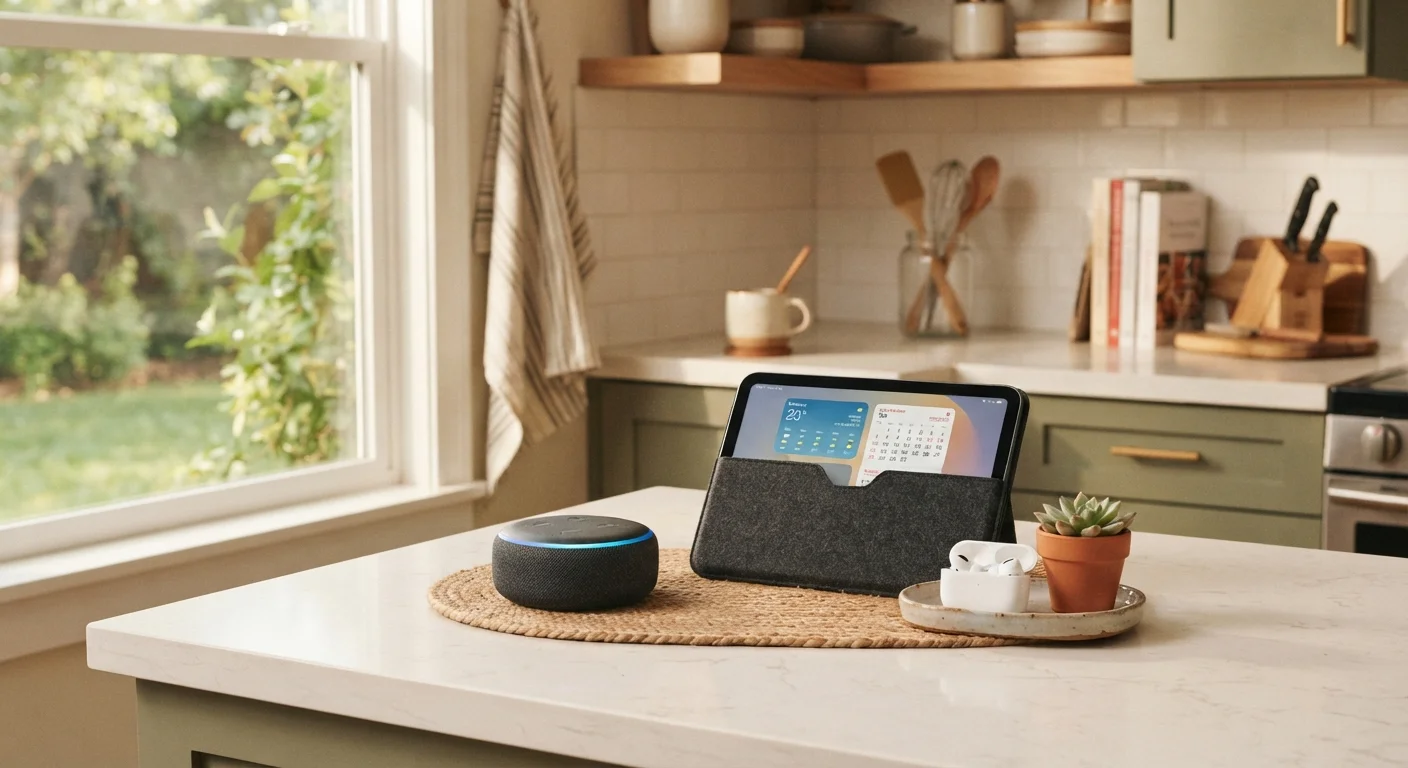
From choosing your first device to building a reliable setup, this guide covers everything non-technical users need to know about everyday smart tech.
Key takeaways
- Smart gadgets are most valuable when they solve a specific, recurring problem in your daily routine.
- Compatibility with your existing devices and Wi-Fi setup matters more than any single feature.
- Privacy settings and software updates are not optional — they are core to safe, reliable use.
- Starting with one device and learning it well beats buying several and using none properly.
- Long-term upkeep — charging habits, storage, and firmware — determines how long gadgets stay useful.
What Everyday Smart Gadgets Actually Are
Smart gadgets are consumer devices that connect to the internet or to other devices — usually via Wi-Fi or Bluetooth — to do something more useful than their traditional counterparts. A basic speaker plays audio; a smart speaker can also answer questions, set timers, and control other devices in your home. A regular thermostat holds a fixed temperature; a smart thermostat learns your schedule and adjusts on its own.
The category covers a wide range: smart speakers, wireless earbuds, robot vacuums, smart displays, security cameras, fitness trackers, smart plugs, and more. What they share is connectivity — and the idea that they should require less effort from you over time, not more.
If you encounter unfamiliar terms while exploring these devices, the Everyday Gadget Glossary is a plain-English reference covering the vocabulary that comes up most — from Bluetooth to firmware to mesh networks.
57%
US adults own a smart home device
According to Pew Research Center data, a majority of American adults now use at least one connected home device.
1 in 3
Smart device owners cite ease of use as primary reason for adoption
Consumer surveys consistently show simplicity and convenience as the top motivators for smart gadget purchases among non-technical users.
2–3 years
Typical software support window for many consumer gadgets
Industry analysts note that many manufacturers provide firmware and security updates for two to three years post-launch, after which devices may become vulnerable.
How Smart Gadgets Solve Real Daily Problems
The most useful smart gadgets earn their place by addressing friction you already experience — not by creating new habits from scratch. Consider the most common entry points:
- Forgetting things: Smart speakers and displays serve as hands-free reminders, timers, and shopping list managers — particularly useful when your hands are full in the kitchen.
- Wasted energy: Smart plugs and thermostats let you schedule or remotely switch off devices that draw power when not needed, reducing utility use without manual effort.
- Home safety: Video doorbells and indoor cameras give you a way to check on your home from anywhere, often sending an alert directly to your phone.
- Health tracking: Fitness trackers and smartwatches monitor activity and sleep patterns, giving you data to discuss with a healthcare provider rather than replacing professional guidance.
- Household chores: Robot vacuums run on a schedule, maintaining floors without requiring you to initiate every session.
The consistent theme is time and mental load. These devices handle low-stakes repetitive tasks so your attention can go elsewhere. This connects naturally to broader ideas around healthy daily habits — freeing up cognitive space often supports better routines overall.
Choosing the Right Gadget for Your Life
The single most important question to ask before any smart gadget purchase is: what specific problem will this solve? Buying on novelty alone usually leads to a device that sits unused within a few months.
Beyond identifying the problem, work through these practical considerations:
- Compatibility: Does it work with your phone's operating system (iOS or Android) and your home Wi-Fi? Some devices are designed exclusively for one ecosystem.
- Running costs: Some devices require ongoing subscriptions for cloud storage or advanced features. Factor that into your assessment, not just the upfront cost.
- Support lifespan: Devices that stop receiving software updates become security risks. Look for manufacturers with a clear, publicly stated update policy.
- Setup complexity: If initial setup requires technical steps beyond your comfort level, consider whether help is readily available — from the manufacturer or someone you know.
For a structured approach, the practical pre-purchase checklist walks through each of these factors in detail before you commit to any device.
Before buying any smart gadget, check whether the manufacturer publishes a clear end-of-support date. A device that stops receiving security updates becomes a liability, not an asset.
Security researchers have documented cases where unsupported smart home devices became entry points for network intrusions, making support lifespan a genuine safety consideration.
When evaluating a new device, look up its companion app reviews in your device's app store — not just the hardware reviews. A poorly designed app is often the real source of frustration, not the gadget itself.
Smart gadgets are only as usable as the software that controls them. App reliability and update frequency are strong indicators of how a device will perform long-term.
Getting Set Up Without the Stress
Most smart gadgets are designed to be set up using a companion app on your smartphone. The general process — download the app, plug in or power on the device, follow the in-app steps — is intentionally straightforward for first-time users.
A few principles make setup consistently smoother:
- Use a 2.4 GHz Wi-Fi network if given a choice during setup. Many smart home devices connect more reliably on this frequency than on 5 GHz, even if 5 GHz is faster for other uses.
- Keep your phone close to the device during the pairing process. Distance can cause connection failures even when your Wi-Fi signal appears strong.
- Create an account with the manufacturer using an email address you actively check. Password reset and security alerts will go there.
For a calm, step-by-step walkthrough of setting up your first device — from unboxing through daily use — see Getting Your First Smart Home Device Up and Running.
Privacy, Security, and Staying in Control
Smart gadgets collect data — that is largely how they provide value. A fitness tracker learns your activity patterns; a smart speaker processes voice commands; a security camera stores footage. Understanding what data is collected, where it goes, and how long it is kept is a reasonable expectation for any user.
Default Settings Are Not Always Safe Settings
Many smart gadgets ship with data-sharing and location settings enabled by default. Before you start using a new device, open its companion app and review every permission it has requested. Granting access to your microphone, camera, or location should be a deliberate choice — not an overlooked default. Manufacturer privacy policies, while lengthy, typically explain in plain terms what data is retained and whether it is shared with third parties.
Practical steps every user should take:
- Review and adjust privacy settings in the companion app shortly after setup — defaults are not always the most privacy-respecting option.
- Enable two-factor authentication (a second step beyond your password) on any manufacturer account where it is offered.
- Accept software updates promptly. Updates frequently include security patches that protect the device from known vulnerabilities.
- Audit connected devices periodically through your router's app or settings page. Remove devices you no longer use.
Smart gadgets that connect to your home represent one expression of a broader trend — technology embedding quietly into daily life. The quiet rise of ambient computing explores how this shift is reshaping homes and routines in ways most people are only beginning to notice.
Keeping Your Gadgets Running Well
Smart gadgets last longer when maintained consistently, and the habits required are far simpler than most people expect.
- Charging: Avoid leaving battery-powered devices at 0% or at 100% for extended periods. Partial charge cycles — keeping a device between roughly 20% and 80% — generally support longer battery health over time.
- Cleaning: Dust and debris affect performance. Follow the manufacturer's guidance for cleaning ports, sensors, and surfaces. Compressed air works well for small openings.
- Software: Enable automatic updates where available, or check for updates monthly. Outdated firmware is the most common cause of unexplained performance drops.
- Storage: If you put a device away seasonally, store it in a cool, dry place and charge it to around 50% before doing so.
The guide to keeping your gadgets in good shape covers each of these habits in more detail, with specific guidance on cleaning, charging, and software upkeep.
Building a Setup That Grows with You
One device, used well, is more valuable than five devices used poorly. The most reliable approach for anyone new to smart tech is to start with a single gadget that solves a clear problem, get comfortable with it over a few weeks, and only then consider adding more.
When you are ready to expand, look for devices that share a common platform or work within the same app ecosystem. Managing several devices through multiple disconnected apps creates the exact kind of friction these gadgets are supposed to eliminate.
Keep a brief record of what you own — device name, the account it is registered to, and when you bought it. This makes troubleshooting, software updates, and eventual replacement significantly easier. It also helps if you ever need to reconfigure your network or move home.
Smart gadgets, at their best, reduce the low-level effort required to manage a household or a routine. They are tools — and like any tool, their value depends on choosing the right one for the job, maintaining it properly, and knowing its limits. Start small, stay informed, and build a setup that genuinely fits your life.
All published content on this website is for informational and educational purposes only and should not be taken as professional advice. We recommend that readers seek expert opinion before making any decisions. The website is not responsible for any actions taken based on the information provided on this website. We are not liable for any inaccuracies, modifications, or omissions in information. Moreover, external links or third-party content are provided for convenience; we are not liable for their correctness. Users are advised to verify every piece of information before they use it for any purpose.