
The Everyday Gadget Glossary: Terms Every Non-Technical Owner Should Know

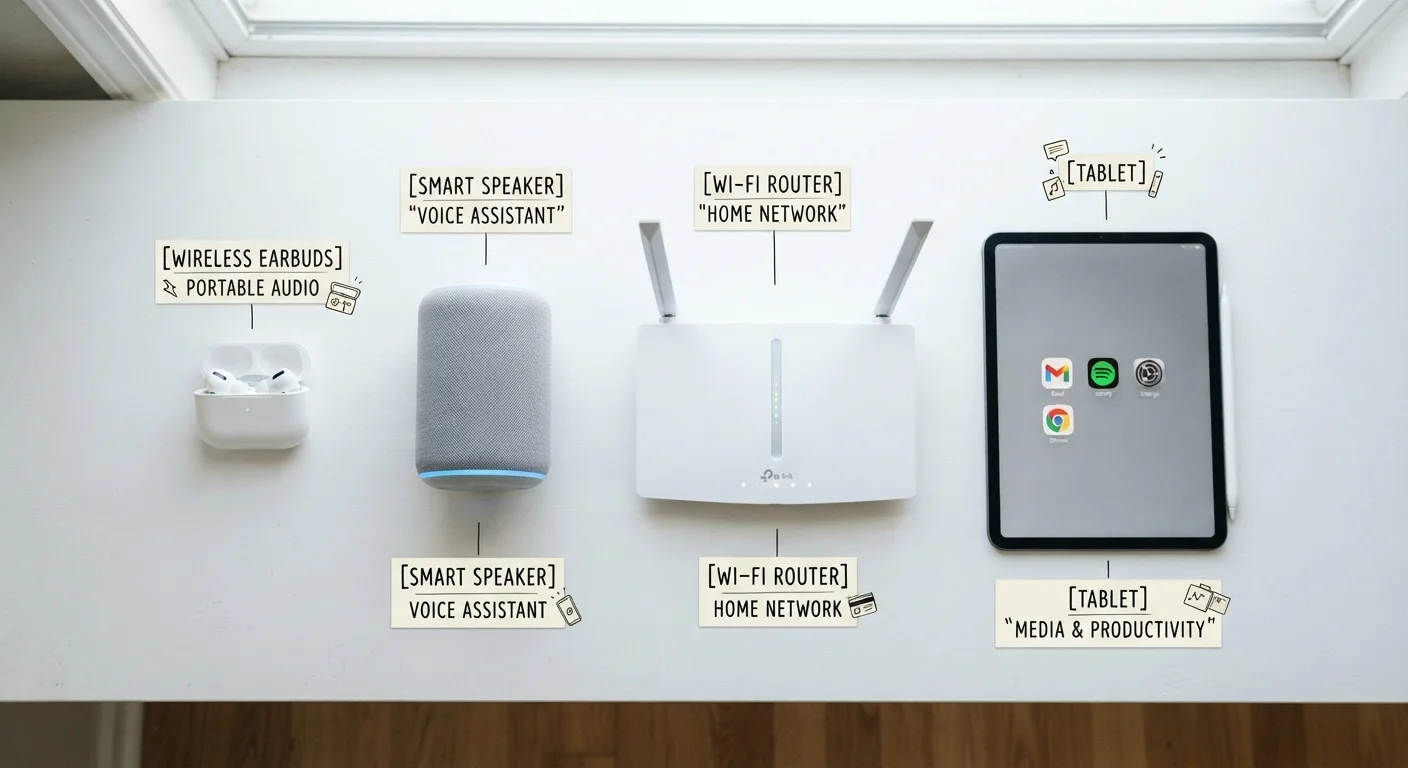
Bluetooth, firmware, latency, mesh network — a plain-English reference for the tech terms that come up most when using common gadgets.
Why Gadget Jargon Matters to Everyday Users
You don't need an engineering degree to use a smart speaker or a wireless router — but when something stops working, or you're trying to decide whether a product is right for you, the jargon printed on packaging or buried in a settings menu can feel like a foreign language. Terms like latency, firmware, and mesh network aren't just marketing filler; they describe real behaviors that affect how your gadgets perform day to day.
This glossary focuses on the terms that come up most often for non-technical owners: the words you encounter when setting up devices, troubleshooting problems, or reading product descriptions. Knowing what they mean puts you in control. For a broader look at the tech vocabulary shaping today's headlines, see our plain-language tech trends glossary.
Bluetooth
A short-range wireless standard for connecting devices — such as headphones, keyboards, or fitness trackers — to a phone or computer. It uses minimal power and typically works within about 30 feet.
Firmware
Embedded software that controls the core functions of a hardware device. Manufacturers update firmware to fix bugs, add features, or address security issues. Unlike apps, firmware is tied directly to the hardware itself.
Latency
The time delay between an input and its corresponding output — for example, the gap between tapping a button and hearing the result through wireless earbuds. It is usually measured in milliseconds.
Mesh Network
A Wi-Fi system built from multiple linked access points that work together to provide consistent wireless coverage across a larger area. Nodes communicate with each other to eliminate the dead zones associated with a single router.
Bandwidth
The maximum amount of data that can be transmitted over a network connection in a given period, usually expressed in megabits per second (Mbps). Higher bandwidth supports more simultaneous activity without slowdowns.
Driver
Software that allows an operating system to communicate with a specific hardware device, such as a printer or webcam. Without the correct driver installed, the device may not be recognized or may not function properly.
Cloud Storage
A service that stores files, photos, or settings on remote servers rather than only on a local device. Data can be accessed from multiple devices via the internet, but requires an active account and internet connection.
Refresh Rate
The number of times per second a display updates the image it shows, measured in hertz (Hz). A higher refresh rate can produce smoother-looking motion, particularly noticeable in gaming and fast-scrolling content.
Resolution
The number of pixels that compose an image on a screen or from a camera. Higher resolution generally means more detail, though the visible difference depends on screen size and how close you are to the display.
Battery Capacity (mAh)
A measure of how much energy a battery can store, expressed in milliampere-hours. A higher mAh rating indicates a larger battery, though real-world battery life also depends on software, screen use, and wireless activity.
Wi-Fi
A wireless networking technology that connects devices to a local network and the internet via a router. It operates over longer ranges than Bluetooth and supports higher data transfer speeds.
Pairing
The process of establishing a recognized connection between two Bluetooth devices — for example, linking wireless earbuds to a smartphone. A paired connection is remembered by both devices for future use.
Connectivity Terms: How Your Devices Talk to Each Other
Connectivity is the backbone of modern gadgets. Most devices communicate wirelessly using one of several standards — and the differences between them matter more than most people realize.
| Bluetooth typical range | Up to ~30 feet (open space) (Bluetooth Special Interest Group) |
| Standard home Wi-Fi speed | 25–100 Mbps per device (typical) (FCC Broadband Guidelines) |
| Low latency threshold (audio) | Under 40 milliseconds (Generally accepted audio engineering standard) |
| Common display refresh rates | 60Hz, 90Hz, 120Hz, 144Hz (Consumer Electronics Association) |
| Firmware update frequency | Varies; typically quarterly to annually (Device manufacturer practices) |
| Cloud storage — access requirement | Active account + internet connection |
Bluetooth is a short-range wireless standard (typically up to about 30 feet in open space) used for pairing devices like headphones, keyboards, and fitness trackers to a phone or computer. It uses very little power, which is why it's common in battery-operated accessories. Wi-Fi, by contrast, connects devices to a local network and the internet over much longer distances, usually through a router.
A mesh network is a Wi-Fi system made up of multiple access points — sometimes called nodes — spread around a home. Instead of one central router with dead zones, mesh nodes communicate with each other to deliver more consistent coverage in every room. This is particularly useful in larger homes or buildings with thick walls.
Latency refers to the delay between an action and its result — for example, the fraction of a second between pressing play and hearing audio through wireless earbuds. Low latency is critical for gaming and video calls; higher latency may go unnoticed during music streaming.
If you're building a reliable connected home, The Complete Guide to Living with Everyday Smart Gadgets walks through the practical setup in plain language.
Software and Storage Terms: What's Actually Running Your Device
Even gadgets that seem simple — a smart thermostat, a pair of earbuds — run software of some kind. Understanding a handful of software terms helps you maintain devices properly and avoid security vulnerabilities.
Firmware is the low-level software permanently embedded in a device that controls its core functions. Unlike the apps on your phone, firmware is tied directly to the hardware. Manufacturers release firmware updates to fix bugs, improve performance, or patch security weaknesses. Keeping firmware current is generally good practice. Understanding Firmware Updates explains what these updates do and when it's reasonable to skip one.
A driver is software that allows your operating system to communicate with a specific piece of hardware — a printer, a webcam, or a USB audio adapter. When a new device isn't recognized after plugging it in, an outdated or missing driver is often the cause.
Cloud storage means your files, photos, or settings are saved on remote servers accessible over the internet rather than only on the device itself. This enables syncing across multiple devices but also means an internet connection — and an active account — are required to access that data.
For questions about how software ownership and subscription models affect what you actually get, Software Licensing Explained is a useful companion reference.
Performance and Spec Terms: Reading Between the Numbers
Spec sheets use shorthand that can mislead as easily as inform. A few definitions help you read them more critically.
Bandwidth describes how much data can travel across a connection in a given time — usually measured in megabits per second (Mbps) or gigabits per second (Gbps). Higher bandwidth means more data can move simultaneously, which matters when multiple devices share a network.
Resolution, in the context of screens and cameras, refers to the number of pixels that make up an image. More pixels generally means finer detail, though screen size and viewing distance affect how noticeable the difference is in practice.
Battery capacity is measured in milliampere-hours (mAh). A higher mAh rating means a larger battery that can, in theory, run longer — but actual battery life also depends on how the device uses power, screen brightness, wireless activity, and other factors. Manufacturer claims are typically measured under controlled conditions.
Refresh rate, measured in hertz (Hz), describes how many times per second a screen updates its image. A 60Hz display refreshes 60 times per second; a 120Hz display refreshes twice as often, which can make scrolling and motion look smoother. The difference is most noticeable in gaming and fast video.
When you're ready to apply this knowledge to a real purchase decision, Before You Buy a New Gadget offers a practical checklist covering compatibility, ongoing costs, and long-term usefulness.
All published content on this website is for informational and educational purposes only and should not be taken as professional advice. We recommend that readers seek expert opinion before making any decisions. The website is not responsible for any actions taken based on the information provided on this website. We are not liable for any inaccuracies, modifications, or omissions in information. Moreover, external links or third-party content are provided for convenience; we are not liable for their correctness. Users are advised to verify every piece of information before they use it for any purpose.