
Offline vs. Online Apps: Understanding What Happens When Connectivity Drops

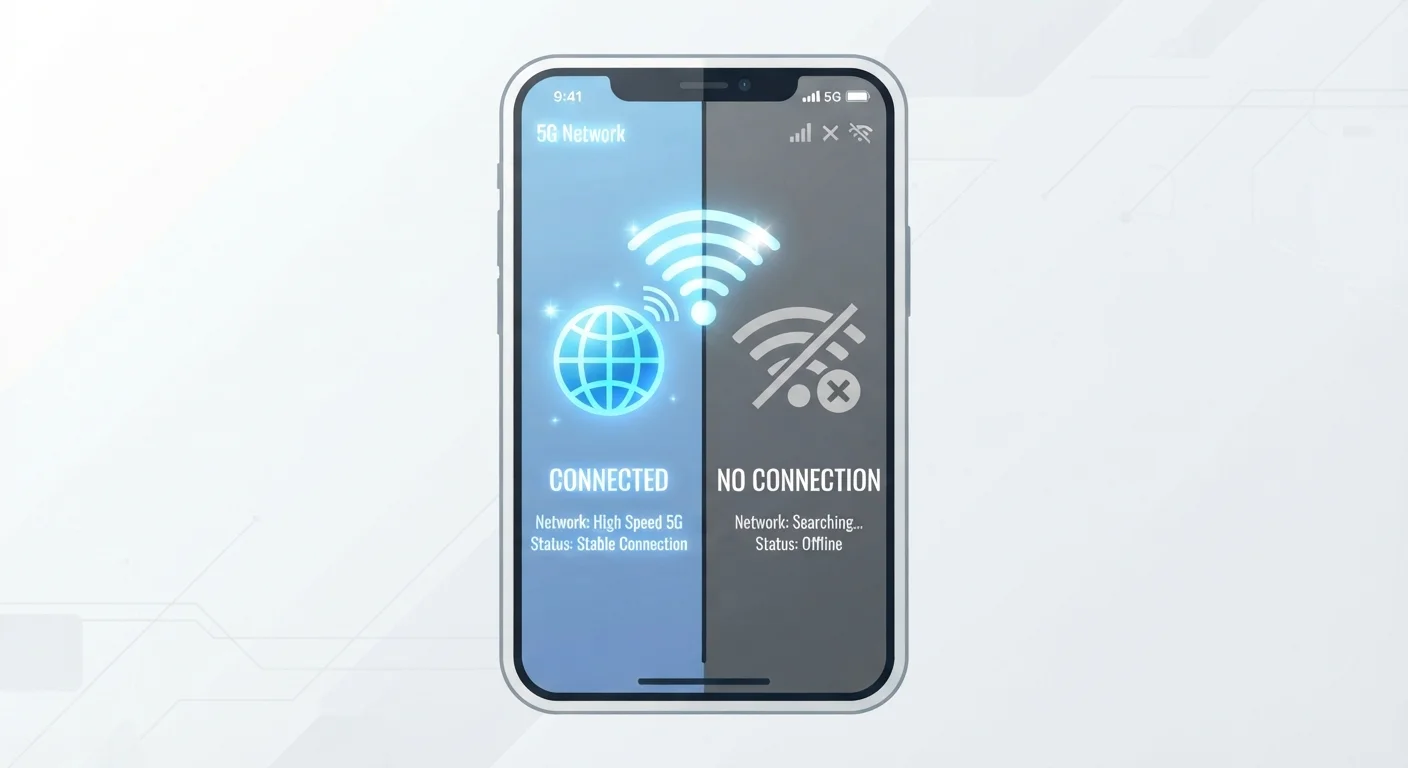
Some apps work fine without internet; others become useless. Learn the difference and how to choose tools that fit your actual connectivity habits.
Our Verdict
Neither offline nor online apps are universally superior — each model reflects a deliberate design choice with real trade-offs. Offline-capable tools give you reliability and control; online-dependent tools give you power, collaboration, and always-current data. The right choice depends on where and how you actually use your device.
| Best for | Recommended |
|---|---|
| Frequent travelers, commuters, or anyone in low-connectivity environments | Offline-capable apps |
| Collaborative teams who need real-time data sharing and live updates | Online-dependent apps |
| Most everyday users who want the best of both worlds | Hybrid apps with offline mode enabled |
Key takeaways
- Offline-capable apps store data locally on your device and work without any internet connection.
- Online-dependent apps route most or all processing through remote servers, becoming limited or useless without connectivity.
- Many modern apps are hybrids, offering partial offline functionality with full features restored when you reconnect.
- Understanding an app's connectivity model helps you avoid lost work and frustrating interruptions.
- Syncing complications arise when offline edits and server-side changes conflict during reconnection.
The Basic Split: How Apps Handle Connectivity
When you open an app and your Wi-Fi drops, one of three things happens: the app keeps working normally, it limps along in a reduced state, or it stops dead. Which outcome you get isn't random — it's a direct result of how the app was architected.
Offline-capable apps store the data, logic, and content you need directly on your device. Think of a notes app that saves everything locally, a GPS navigation tool that stores maps on the phone's storage, or a basic calculator. None of these need a server to function. They were designed so the device itself handles everything.
Online-dependent apps rely on remote servers for most of their work. A streaming video service needs to pull content from the internet. A real-time stock tracker can't show live prices without a live feed. Many productivity web apps process documents on cloud servers rather than your device, so cutting connectivity cuts access entirely.
Hybrid apps sit between these poles — and they're increasingly common. A document editor might let you draft and edit offline, then sync changes automatically when you reconnect. A music app might let you play downloaded tracks but can't browse new releases without a signal. Understanding which category an app falls into is the first step to managing your digital life around real-world connectivity gaps. For a deeper look at how cloud infrastructure shapes your app experience, see what the cloud actually means for your files and apps.
What Offline Capability Actually Requires
Building a genuinely offline-capable app is more complex than it sounds. The developer must decide which data lives on the device, how much storage to use, how long that data stays valid, and how to handle conflicts when the device reconnects to a server with newer information.
A few mechanisms make offline apps tick:
- Local databases: Apps like note-taking or task-management tools often use a small database embedded in the app itself. Your entries are written locally first, then pushed to the cloud when a connection is available.
- Cached content: Browsers, news apps, and navigation tools frequently cache (temporarily store) recently accessed content so it's available when offline. The trade-off is that cached content can go stale.
- Pre-downloaded assets: Maps, language packs, and media files can be downloaded in advance. You're effectively front-loading the data transfer to a time when you're connected, so you don't need connectivity at the point of use.
Syncing is where offline apps most frequently cause confusion. When you edit a document offline and someone else edits the same document online simultaneously, the app has to resolve which version is correct when you reconnect. Why syncing across devices is harder than it sounds explains these version conflicts in detail and how to avoid being caught off guard by data loss.
| Offline-Capable Apps | Online-Dependent Apps | Hybrid Apps | |
|---|---|---|---|
| Works without internet | Yes, fully functional | No, limited or unusable | Partially — core features only |
| Data storage location | On your device (local) | Remote servers (cloud) | Both local and cloud |
| Real-time collaboration | Generally not supported | Core strength | Supported when online |
| Risk of data loss on disconnect | Low — data saved locally | Medium to high | Low if offline mode active |
| Setup required for offline use | Usually none | Not available | May require enabling in settings |
| Typical examples | Calculator, offline maps, notes | Live dashboards, web-only tools | Document editors, music apps |
Online-Dependent Apps: The Hidden Assumptions
Apps built primarily around server-side processing often assume you'll always have a reliable connection. This assumption is baked so deeply into their design that offline access isn't an afterthought — it was never considered. The result can be jarring: open a web-based project management tool on an airplane or in a rural area with a weak signal, and you may find a blank screen or an error message where your work should be.
The reasons developers build apps this way are legitimate. Server-side processing enables features that simply aren't possible locally: real-time collaboration where multiple users see each other's edits live, computationally intensive tasks like AI-powered search or large-scale data processing, and content libraries far too large to store on any device. These are meaningful advantages.
But they come with a dependency that's easy to underestimate. It's worth auditing which apps you rely on for critical tasks and checking whether they offer any offline fallback. Many apps have offline modes buried in settings that aren't enabled by default. Taking a few minutes to explore those options — rather than discovering the gap mid-flight — can save real frustration. Getting more out of the apps already on your phone covers how overlooked settings and features in familiar tools can change how you use them day to day.
Practical Strategies for Mixed-Connectivity Lifestyles
Most people don't live at either extreme — perpetually connected or perpetually offline. Real life involves subway commutes, travel, spotty rural coverage, and the occasional outage. A few practical approaches help bridge the gaps:
- Identify your critical-path apps. Which tools would cause real disruption if they went down mid-task? For those, verify whether an offline mode exists and enable it proactively.
- Pre-load before you lose signal. Navigation apps allow map downloads for specific regions. Streaming apps often allow content downloads for offline viewing — though expiry rules and device restrictions apply. What people get wrong about offline downloads on streaming apps walks through the fine print worth knowing before you rely on downloaded content.
- Know where your data lives. If an app stores everything on a remote server with no local copy, losing connectivity means losing access — temporarily or otherwise. Apps that store a local copy first and sync second are more resilient.
- Check app update logs for offline improvements. Developers frequently add or expand offline capabilities in updates. Staying current matters more than many users realize. Why ignoring app updates creates more problems than it solves explains the security and compatibility risks that come with skipping updates.
The broader point is that connectivity awareness is a practical skill, not a technical one. You don't need to understand server architecture to make smarter choices about the tools you depend on — you just need to know the right questions to ask before you need the answers.
All published content on this website is for informational and educational purposes only and should not be taken as professional advice. We recommend that readers seek expert opinion before making any decisions. The website is not responsible for any actions taken based on the information provided on this website. We are not liable for any inaccuracies, modifications, or omissions in information. Moreover, external links or third-party content are provided for convenience; we are not liable for their correctness. Users are advised to verify every piece of information before they use it for any purpose.