
Before You Buy a New Gadget: A Practical Checklist

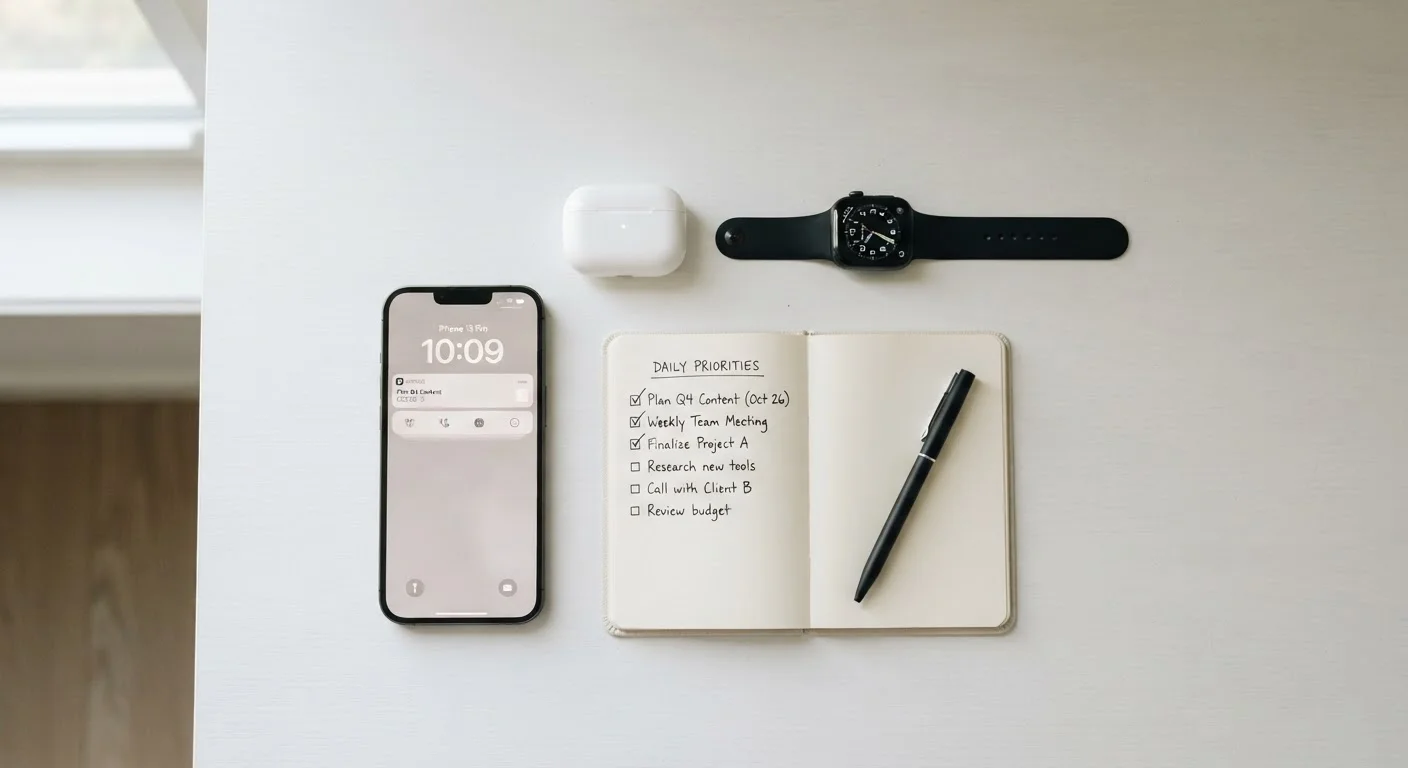
A structured checklist to work through before any tech purchase — covering compatibility, running costs, support, and long-term usefulness.
Summary
22 items · 20–40 minutes
Key takeaways
- Checking compatibility before purchase prevents the most common — and most avoidable — buyer regret.
- Running costs like subscriptions and accessories often exceed the upfront price over time.
- Manufacturer support quality and software update commitments significantly affect a device's useful lifespan.
- Asking whether a gadget solves a real problem you actually have is the most important question of all.
- A structured checklist helps non-technical buyers make confident, informed decisions without guesswork.
Why a Checklist Makes Sense Before Any Tech Purchase
Gadgets are genuinely useful — they save time, reduce friction, and can make everyday routines easier. But the path from "I want this" to "this actually works for my life" is shorter when you slow down before spending. Buyer regret in tech is overwhelmingly driven by the same handful of oversights: a device that won't connect to what you already own, hidden subscription costs that surface after unboxing, or a product that solves a problem you don't really have.
This checklist is designed for anyone buying a gadget — from a first smart speaker to a replacement laptop — regardless of technical background. Work through it before you finalize any purchase. It takes 20 to 40 minutes and consistently pays back that time in avoided frustration and wasted money.
If you're also weighing up a broader emerging technology — not just a single device — this checklist on evaluating tech trends covers the bigger picture questions worth asking first.
Compatibility
True Cost of Ownership
Support and Longevity
Real-Life Fit
What to Check, Gather, and Research
The checklist groups below address the four most common purchase blind spots: compatibility with what you already own, the true total cost of ownership, the quality of support you'll receive if something goes wrong, and whether the gadget genuinely fits your daily life. Work through them in order — each group builds useful context for the next.
Manufacturer's product support page
Verify software update commitments, compatibility requirements, and official repair or return processes for the specific model.
Independent review site (e.g. a reputable tech publication)
Cross-check real-world performance reports and identify known issues that marketing materials won't disclose.
Retailer's return policy page
Confirm the return window and conditions before purchasing so you know your options if the device doesn't work as expected.
Spreadsheet or notes app
Track all recurring costs, accessory requirements, and checklist answers in one place to make a clear final comparison.
User forums or community Q&A (e.g. Reddit communities for the product category)
Find candid owner experiences, workarounds for common problems, and long-term reliability reports from everyday users.
Once you've worked through your research, it's worth reading about simple habits that extend a gadget's lifespan — because protecting your purchase starts before you even open the box.
And if you're new to smart devices more broadly, the complete guide to living with everyday smart gadgets explains what it's actually like to integrate these devices into a home from scratch.
Subscription Costs Often Outlast the Gadget
A low upfront price can obscure a significant ongoing cost. Some devices — particularly smart home hubs, security cameras, and fitness trackers — require a paid cloud subscription to access features prominently shown in advertising. Always read the feature comparison between the free and paid tiers before deciding whether the device price is what you think it is.
After any purchase, you may eventually run into glitches. Knowing the difference between a restart, a reset, and a repair call saves both time and money — this guide to restarting, resetting, and repairing breaks down exactly which response fits which situation.
It's also worth clearing up some commonly held misconceptions before you buy. Gadget myths that keep costing people money separates evidence from folklore on topics like battery habits and overnight charging.
All published content on this website is for informational and educational purposes only and should not be taken as professional advice. We recommend that readers seek expert opinion before making any decisions. The website is not responsible for any actions taken based on the information provided on this website. We are not liable for any inaccuracies, modifications, or omissions in information. Moreover, external links or third-party content are provided for convenience; we are not liable for their correctness. Users are advised to verify every piece of information before they use it for any purpose.