
Things People Get Wrong About Offline Downloads on Streaming Apps

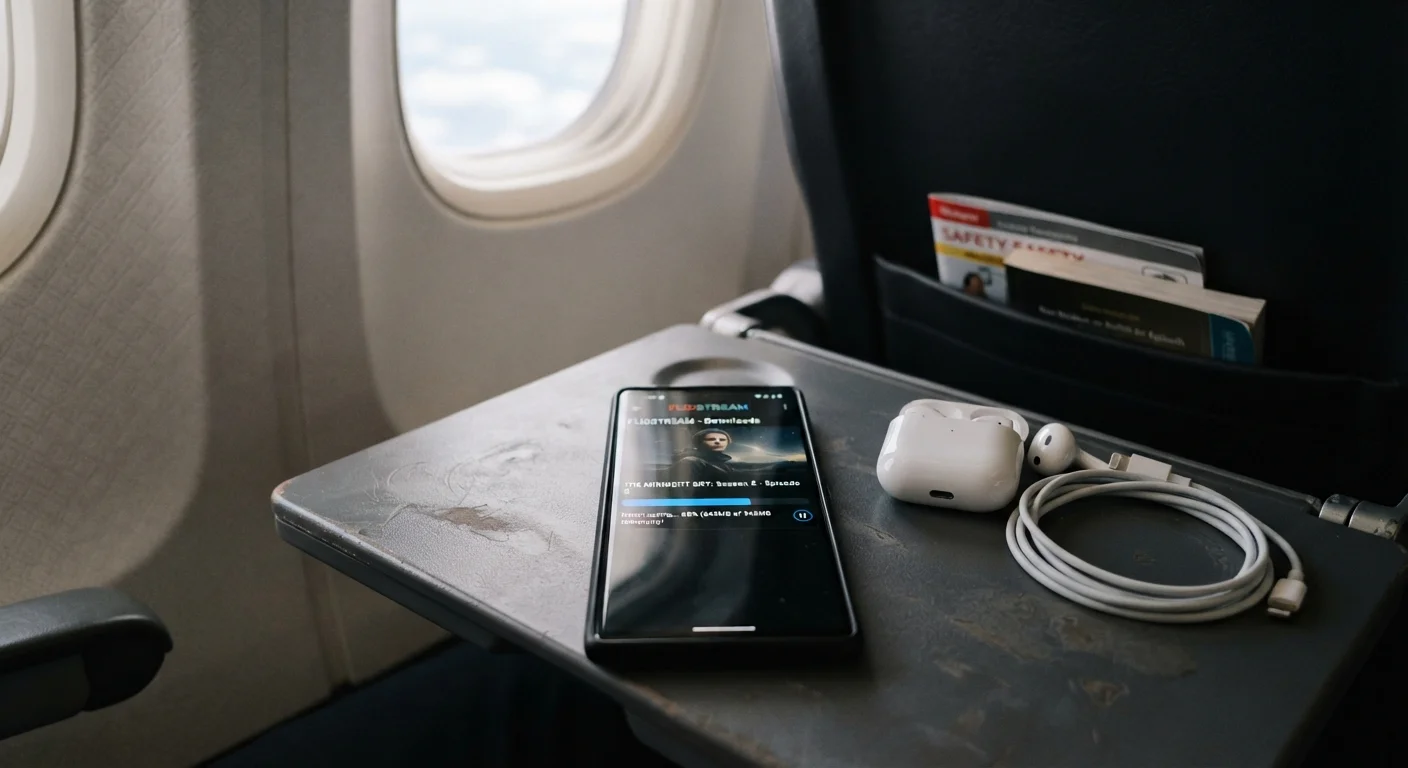
Offline viewing sounds simple, but expiry limits, DRM rules, and device restrictions catch many viewers off guard. Here's what the fine print actually says.
Key takeaways
- Downloaded content expires on a timer set by studios, not by streaming platforms — often 30 days or fewer.
- DRM (Digital Rights Management) locks downloads to specific apps and devices; files cannot be transferred.
- Most streaming services cap the number of titles you can download simultaneously per account or device.
- Canceling a subscription immediately revokes access to all downloaded content, even mid-watch.
- Download quality is usually lower than the streaming quality available at the same tier.
Why Offline Downloads Confuse So Many Viewers
The pitch is irresistible: download your favorite show before a flight, then watch it anywhere, anytime, no Wi-Fi required. Streaming services market offline downloads as a seamless perk — and for basic use cases, they work well enough. But the moment viewers dig into the details, a tangle of expiry windows, device limits, and rights restrictions emerges that the promotional copy conveniently glosses over.
Understanding how offline downloads actually function requires a quick look at the technology underneath. Most platforms use a system called DRM (Digital Rights Management), a form of copy protection that encrypts downloaded files so they can only be played inside the platform's own app, on an approved device, while an active subscription is maintained. Viewers don't own the files — they hold a temporary, licensed copy. That distinction matters enormously, and it's the root cause of most of the confusion explored below.
For a broader picture of how streaming ecosystems are structured, this overview of the streaming landscape is a useful starting point.
Common Myths — Corrected
The misconceptions below are genuinely widespread. Streaming platforms aren't always eager to highlight the limitations of their download features, and app interfaces tend to make downloading feel simpler and more permanent than it is. Each myth below reflects a real misunderstanding that catches viewers off guard.
Myth
Once I download something, I can watch it forever — even if my subscription ends.
Fact
Canceling your subscription immediately revokes all downloaded content, regardless of when it was downloaded.
Downloaded files are encrypted and require active subscription validation to play. When a subscription lapses — whether through cancellation or a failed payment — the app checks for a valid license and finds none, making every downloaded title unplayable. The files may still sit on your device, but they're inaccessible. This is one of the most jarring surprises viewers encounter, particularly when they've downloaded content specifically to watch during a period when they planned to pause their subscription.
Myth
Downloads don't expire as long as my subscription stays active.
Fact
Most downloaded titles carry an independent expiry window — typically 30 days after download — regardless of subscription status.
Expiry rules are set by content licensors (studios and distributors), not by the streaming platforms themselves. The common structure is a two-tier system: a title expires 30 days after download, or 48 hours after you first press play — whichever comes first. Some titles have shorter windows. This means a show downloaded on a Monday can become unwatchable by mid-month even if your subscription is in perfect standing. Platform apps usually display an expiry countdown in the downloads section, though it isn't always prominently surfaced.
Myth
I can move my downloaded files to a USB drive or another device to watch them later.
Fact
DRM encryption locks downloaded files to the specific app and device they were downloaded on — they cannot be transferred or played elsewhere.
Even if you locate the downloaded files in your device's file system, they are encrypted in a format that only the platform's licensed app can decrypt — and only on the device that initiated the download. Copying the folder to a USB drive, another phone, or a computer produces files that are completely unplayable outside the original context. This is a deliberate feature of DRM systems designed to prevent unauthorized redistribution. It's also why apps behave so differently when connectivity drops — some are built for true portability, others only simulate it.
Myth
I can download as many titles as I want on as many devices as I like.
Fact
Platforms typically impose limits on both the number of simultaneous downloads and the number of devices authorized for downloads per account tier.
Download limits vary by platform and subscription tier, but most services restrict downloads in at least two ways: a cap on the total number of titles stored at once (often 25–100), and a cap on the number of devices that can hold downloads simultaneously under one account. Premium subscription tiers sometimes raise these ceilings, but they don't eliminate them. Additionally, a title that has reached its per-account download limit may need to be deleted from one device before it can be downloaded on another — a friction point that surprises subscribers used to the unlimited feel of streaming.
Myth
Downloaded content plays at the same quality as streaming the same title.
Fact
Download quality is often lower than the highest streaming quality available, and is typically capped by both the platform and your subscription tier.
Streaming platforms frequently offer multiple download quality settings (low, medium, high) to manage storage consumption, but even the highest download setting may not match the full 4K HDR stream available online. Some platforms reserve their highest-resolution streams exclusively for active internet playback, particularly where studio licensing agreements restrict offline distribution of premium formats. If picture quality matters to you, it's worth checking a platform's help documentation for its specific download quality caps — they vary considerably between services. A plain-language guide to resolution and audio quality can help decode what those quality tiers actually mean for your screen.
Myth
Every title available for streaming can also be downloaded.
Fact
A significant portion of a platform's catalog may be ineligible for download due to licensing restrictions negotiated with rights holders.
Not all content on a streaming service is licensed for offline use. Rights agreements between studios, distributors, and platforms are negotiated individually, and offline download rights are a separate contractual element from streaming rights. Live content, some news programming, and a portion of licensed (non-original) films and series are commonly excluded from download eligibility. The download icon simply won't appear next to ineligible titles, which can be confusing when a viewer expects parity across the catalog. Platform originals tend to have broader offline availability because the platform controls more of the rights directly.
What This Means for Your Viewing Habits
Once you understand the real mechanics, offline downloads are still a genuinely useful feature — they just require a bit of planning. A few practical things worth keeping in mind:
- Download close to when you'll watch. If you download a season three weeks before a trip, check whether the license window will have expired by the time you board.
- Check the device limit before switching phones. Transferring a download to a new device usually means re-downloading from scratch, and some platforms require you to deauthorize the old device first.
- Don't cancel your subscription mid-trip. The moment a subscription lapses, downloaded content becomes inaccessible — even content you're halfway through. If you plan to pause a subscription, time it for after your travel.
- Manage your download storage actively. Downloaded files can consume several gigabytes per title at standard quality. Most apps show storage usage in settings, and clearing old downloads before a trip frees up space efficiently.
If you're also weighing the full cost picture of your streaming setup, this breakdown of streaming's real costs covers how downloads interact with data and device expenses. And if you're curious how download quality compares to what you stream live, this plain-language guide to resolution and audio quality explains the tradeoffs without the jargon.
All published content on this website is for informational and educational purposes only and should not be taken as professional advice. We recommend that readers seek expert opinion before making any decisions. The website is not responsible for any actions taken based on the information provided on this website. We are not liable for any inaccuracies, modifications, or omissions in information. Moreover, external links or third-party content are provided for convenience; we are not liable for their correctness. Users are advised to verify every piece of information before they use it for any purpose.