
The Real Costs of Streaming: Subscriptions, Data, Devices, and Hidden Add-Ons

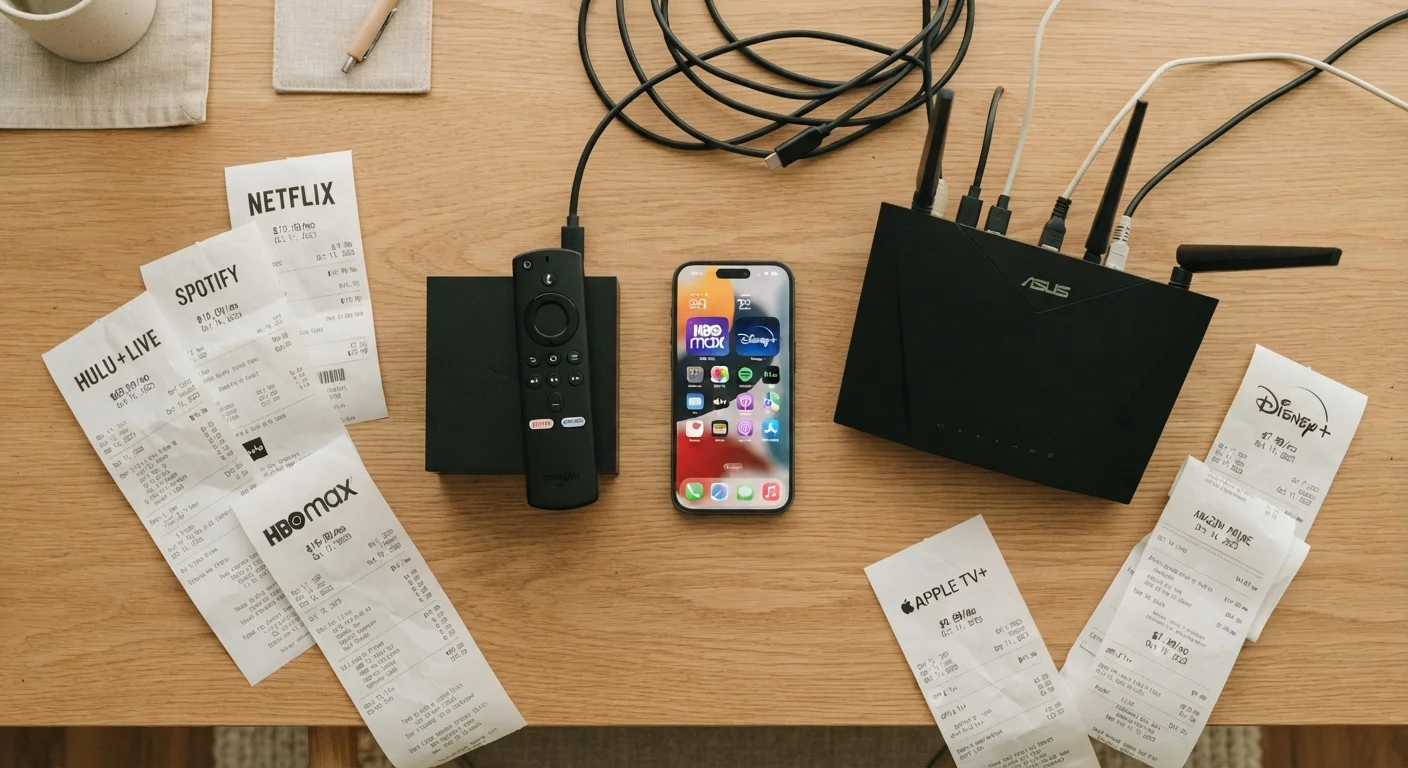
The monthly subscription fee is just part of the picture. A full breakdown of what streaming actually costs once you factor in hardware, data, and premium add-ons.
Key takeaways
- Most households subscribe to multiple streaming services, and the combined monthly cost often rivals a cable bill.
- Hardware — smart TVs, streaming sticks, gaming consoles — represents a real upfront and recurring cost.
- Streaming video consumes significant internet data; high-definition and 4K content can push households toward bandwidth caps.
- Premium add-on channels inside streaming apps quietly extend the bill well beyond the headline subscription price.
- A full accounting of streaming costs requires adding subscriptions, devices, internet share, and any live-TV or premium tiers.
The Subscription Price Is Just the Entry Ticket
Ask someone what they pay for streaming and they'll usually recite a single monthly number — the base subscription price. That number is real, but it's also the most incomplete version of the story. Streaming has become a layered cost ecosystem, and the headline fee is often just the first line on what becomes a surprisingly long invoice.
The average US household now subscribes to multiple streaming video services simultaneously. Research from firms tracking subscription behavior has consistently found that total monthly streaming spend across a household frequently reaches into the mid-to-high double digits once all active services are tallied. For many families, that cumulative figure has closed the gap with the cable bills they originally abandoned. As explored in our look at cable vs. streaming trade-offs, the financial picture is more complicated than early cord-cutting promises implied.
The goal here isn't to argue streaming isn't worth it — for millions of people it genuinely is. The goal is to help you see every dollar you're actually spending, so your choices are informed ones.
Understanding Streaming Tiers and What You Actually Get
Nearly every major streaming platform now sells multiple pricing tiers rather than a single plan. The lowest tier typically includes advertising, restricts video quality, and may limit simultaneous streams or downloads. Mid-range plans remove ads and raise quality. Premium tiers unlock 4K resolution, Dolby Atmos audio, and the maximum number of concurrent streams — sometimes adding a significant monthly premium over the base price.
Choosing the wrong tier for your household is one of the most common ways streaming costs quietly expand. A single-person household paying for a four-stream premium plan is over-buying. A family regularly fighting over simultaneous streams on a single-stream plan will find the experience frustrating enough to upgrade, often without revisiting whether they still need every service they're paying for.
Match Your Plan to Your Actual Viewing Habits
Before selecting or staying on a pricing tier, honestly count how many people in your household stream simultaneously and whether 4K content is something you regularly watch on a capable display. Many subscribers pay for 4K and multi-stream plans they never fully use. Stepping down a tier — or switching to an ad-supported plan for services you use less frequently — can meaningfully reduce the monthly total without noticeably changing the experience.
For a granular breakdown of what each tier level actually includes across major platforms, the streaming service tiers guide walks through the trade-offs in plain terms, including what's genuinely compromised at lower price points versus what most viewers won't notice.
Hardware and Device Costs
Streaming requires hardware, and hardware costs money — sometimes a lot of it. The device landscape breaks into several categories:
- Streaming sticks and boxes (plug-in dongles, compact set-top boxes): Generally the lowest upfront cost, ranging roughly from $25 to $100+. Many households own more than one, one per TV.
- Smart TVs: Most new televisions ship with built-in streaming platforms. The streaming capability is bundled into the set purchase, but the TV itself is a major expense — and built-in platforms sometimes receive software support for fewer years than a dedicated streaming device would.
- Gaming consoles: A PlayStation or Xbox doubles as a capable streaming hub. If a household already owns one, the marginal streaming cost is zero. If it was purchased partly for streaming convenience, a share of that several-hundred-dollar purchase belongs in the streaming column.
- Tablets and smartphones: Used heavily for personal streaming, especially for younger viewers. These devices have their own upgrade cycles and costs.
Hardware is a one-time (or multi-year) cost, but it's worth spreading that cost across the months of use to understand its contribution to a true monthly average. A $50 streaming stick used for three years adds roughly $1.40 per month — modest, but real.
Before upgrading to a premium device tier, check whether your current TV's built-in platform supports the streaming apps and video quality you actually use — you may already have what you need.
Hardware upgrades are often triggered by a single missing feature that a firmware update or app addition could address, making the full device purchase unnecessary.
Run a subscription audit quarterly rather than annually — streaming services adjust pricing and tier structures frequently enough that your original rationale for a plan may no longer apply.
Several major platforms have raised prices or restructured tiers multiple times in recent years, meaning the plan you signed up for may have quietly become less competitive.
Data, Internet Bandwidth, and the Broadband Bill
Every hour of streaming video consumes internet data, and that data arrives via a broadband connection that has its own monthly cost. The question is how much of the internet bill to attribute to streaming.
Video quality directly determines data consumption. Standard definition streaming uses roughly 1 GB per hour. HD (1080p) consumption is commonly cited around 3 GB per hour, while 4K HDR content can consume 7 GB or more per hour depending on the platform's compression approach. A household watching several hours of 4K content daily can easily consume hundreds of gigabytes per month from video alone.
4–5
Average streaming services per US household
Industry surveys conducted in recent years have consistently found US households maintaining multiple simultaneous streaming subscriptions.
7+ GB
Data used per hour of 4K streaming
Streaming platform documentation and independent network analysis suggest 4K HDR streams commonly consume 7 GB or more per hour.
~1 TB
Monthly data cap on many ISP plans
A number of US internet service providers apply soft or hard monthly data thresholds around 1 to 1.2 terabytes before throttling or overage charges apply.
Most US broadband plans don't enforce hard data caps, but some internet service providers do apply soft caps (often 1–1.2 TB per month) beyond which speeds are throttled or overage fees apply. For heavy streaming households on capped plans, streaming is a direct contributor to those overages.
Attributing a portion of the monthly internet bill to streaming is legitimate and often overlooked. If streaming accounts for the majority of a household's internet usage, assigning 50–70% of that bill to the streaming column gives a more honest picture of what on-demand entertainment actually costs.
Hidden Add-Ons, Premium Channels, and Live TV Upgrades
This is where streaming costs most reliably surprise people. Many major platforms operate as storefronts for additional premium channels — HBO, Starz, Paramount+, AMC+, and others — which can each be purchased as add-ons within the primary app. Every one of those is an additional monthly charge that doesn't show up in the headline subscription price.
Live TV streaming services (virtual MVPDs) layer their own cost structure on top: base packages, sports add-on tiers, regional sports network bundles, and cloud DVR storage upgrades. A base live TV streaming subscription can start at a price point comparable to a basic cable package, then expand significantly with add-ons.
Password sharing policy changes have also pushed some costs upward. Platforms that previously allowed multi-household sharing have moved toward per-location or extra-member fee structures. What streaming services are actually enforcing around account sharing is worth understanding before assuming your current sharing arrangement is stable.
Offline downloads are another frequently misunderstood area. Downloading content for offline viewing is a premium-tier feature on several platforms — and the downloaded files have expiration rules that may prompt re-engagement with higher-tier plans. The common misconceptions around offline downloads article covers the fine print in detail.
How to Get a Clearer Picture of Your Total Streaming Spend
Getting an honest number requires a simple audit across four categories:
- All active subscriptions: List every streaming service and its current monthly charge at the tier you're actually subscribed to. Include any premium add-on channels.
- Hardware amortization: Take the purchase price of any dedicated streaming hardware and divide by the months of expected use. Add that monthly figure in.
- Broadband allocation: Estimate what share of your internet bill is driven by streaming and include that proportional cost.
- Incidental costs: Rental fees for content not included in subscriptions, live event pay-per-view charges, and any overage fees.
The practical guide to building a sustainable streaming stack offers a framework for deciding which services genuinely earn their place in your lineup once you've seen the real number. And if subscription apps beyond streaming are quietly accumulating on your accounts, the broader look at subscription app costs puts those charges in perspective too.
Understanding what streaming actually costs doesn't mean abandoning it — it means choosing it intentionally, with eyes open to every line of the real bill.
All published content on this website is for informational and educational purposes only and should not be taken as professional advice. We recommend that readers seek expert opinion before making any decisions. The website is not responsible for any actions taken based on the information provided on this website. We are not liable for any inaccuracies, modifications, or omissions in information. Moreover, external links or third-party content are provided for convenience; we are not liable for their correctness. Users are advised to verify every piece of information before they use it for any purpose.