
Resetting, Restarting, and Repairing: When Each Approach Actually Helps

A soft restart, a factory reset, and a repair call are very different responses. Learn which one fits which gadget problem — and when to stop guessing.
Key takeaways
- A restart clears temporary glitches without touching your apps or personal data.
- A factory reset wipes everything and should always be a last resort — back up first.
- Repair is the right call when hardware is damaged or all software fixes have failed.
- Most everyday problems — freezing, slow performance, connectivity drops — are solved by a simple restart.
- Skipping straight to a factory reset when a restart would do is a common and costly mistake.
Why the Difference Matters
When a device starts acting up, the instinct to "just fix it" can lead people to reach for the most drastic tool available. That's a problem. Restarting, resetting, and repairing are not interchangeable — each operates at a fundamentally different level, and choosing the wrong one can cost you time, data, or money you didn't need to spend.
A restart (also called a soft reset or reboot) closes everything running in memory and starts the operating system fresh. It touches nothing you've saved. A factory reset returns the device to the state it was in when it left the factory — erasing your apps, accounts, photos, and settings in the process. A repair is something a technician does to address a physical or deep software failure that you cannot resolve yourself.
Understanding which situation calls for which response is one of the most practical tech skills a non-technical person can develop. If your device is sluggish or behaving oddly, check our guide on signs of software bloat before assuming you need a drastic fix.
Routers Benefit From Regular Restarts Too
Home routers are computers and accumulate the same kinds of memory errors as phones or laptops. If your internet connection feels slow or devices keep dropping off the network, restart the router before assuming a problem with your internet service. Many households benefit from restarting their router every few weeks as routine maintenance.
What Each Approach Actually Does
Restart: The Everyday Fix
Every device — smartphone, laptop, smart TV, router — accumulates small errors in its active memory during normal use. Processes get stuck, apps conflict with each other, and temporary files pile up. A restart flushes all of this out without altering anything permanent. It is the appropriate first response to: freezing or unresponsive screens, sudden app crashes, unusually slow performance, Bluetooth or Wi-Fi connectivity problems, and minor audio or display glitches.
Many of these issues resolve completely after a single restart. If the same problem returns within a day or two, that's a signal to dig deeper — but a restart should always come first.
Factory Reset: The Last Software Resort
A factory reset is appropriate when a device has a persistent, serious software problem that restarts, app reinstalls, and settings adjustments haven't solved. Common scenarios include: malware or a deeply corrupted operating system, a device locked out due to forgotten credentials (where the platform supports this recovery method), or preparing a device for sale or donation. It is not appropriate for hardware problems — resetting a phone with a cracked screen or failed battery accomplishes nothing useful.
Repair: When Software Cannot Help
Physical damage — a shattered display, water ingress, a failed charging port, a swollen battery — requires hands-on repair. So does a device that won't turn on at all, or one where a factory reset and fresh software install still leave the device malfunctioning. Repair also becomes necessary when a device is out of its manufacturer's support window and standard troubleshooting no longer applies. For broader context on keeping devices healthy long-term, see practical device care habits.
How to Decide: A Practical Decision Path
Work through the following sequence before taking any action. Most problems are solved well before the end of the list.
Restart the device first
Power the device off completely — not just to sleep — and turn it back on. On most smartphones this means holding the power button and selecting Restart or Power off, then powering back on after 10–15 seconds. On routers and smart home devices, unplug the power cable, wait 30 seconds, and plug it back in.
Check for software updates
After the restart, navigate to your device's settings and check for pending operating system or firmware updates. Manufacturers release updates that fix known bugs — a problem you're experiencing may already have a patch available. Install any available updates and restart once more before continuing.
Isolate the problem to a specific app or setting
If the issue persists, try to identify whether it occurs system-wide or only in a specific app. Uninstall or disable the suspected app, clear its cache via Settings > Apps (on Android) or reinstall it from the official app store. On iOS, offloading and reinstalling an app achieves a similar result.
Back up your data before going further
If the problem is serious enough that you're considering a factory reset, back up your data first. Use your platform's built-in cloud backup (iCloud for Apple devices, Google One for Android) or connect to a computer and back up locally. Confirm the backup completed successfully before proceeding.
Perform a factory reset only if software fixes have failed
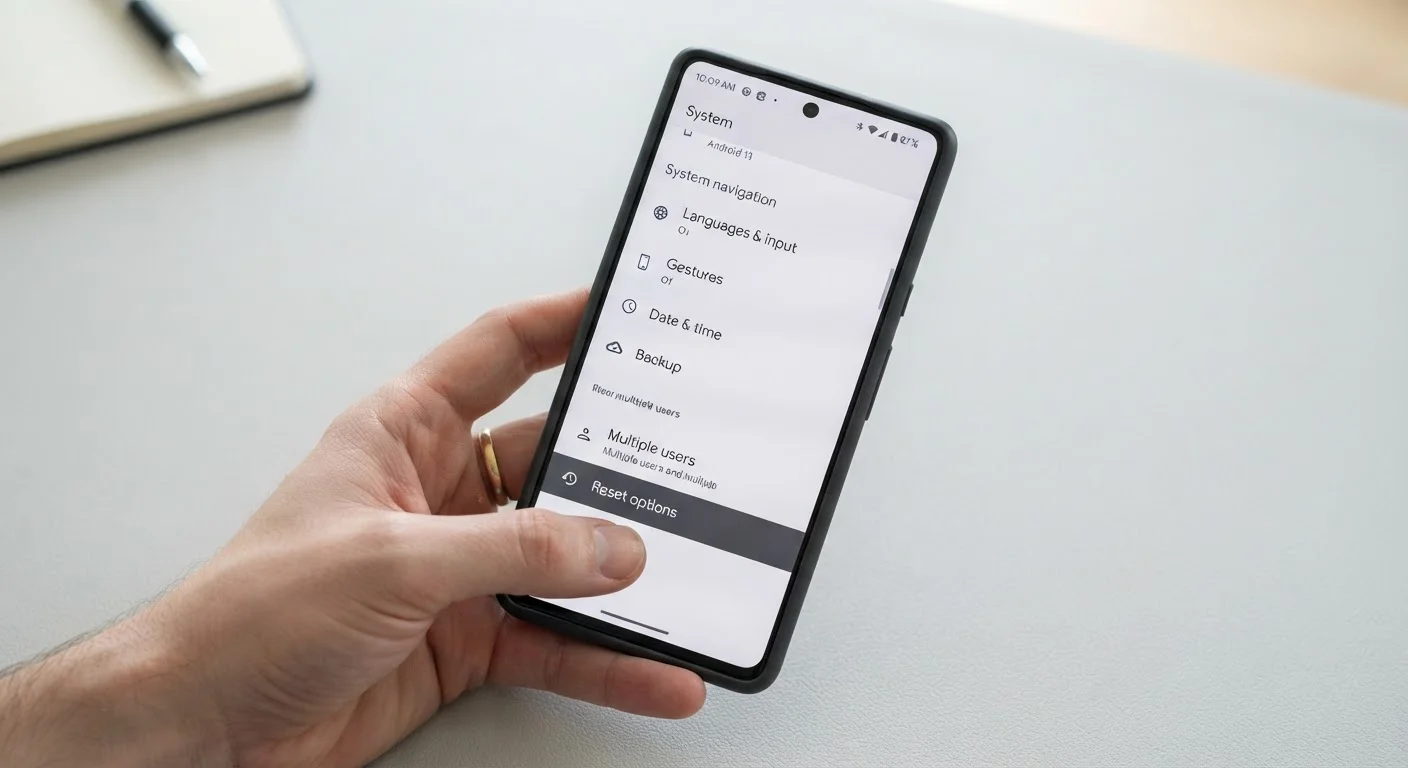
Navigate to Settings > General > Transfer or Reset (iOS) or Settings > System > Reset options > Erase all data (Android). Follow the on-screen prompts. The process takes 5–20 minutes depending on the device. Once complete, restore from your backup and test whether the problem is resolved.
Escalate to professional repair if the problem remains
If a factory reset did not resolve the issue, or if there is any physical damage (cracked screen, water damage, battery swelling, broken port), contact your device manufacturer's support team or take the device to a qualified repair technician. Describe the symptoms clearly and mention the troubleshooting steps you've already tried — this helps the technician diagnose the problem faster.
If you've worked through all steps and the device is still not functioning, consult your device manufacturer's support resources or a qualified repair technician. Avoid guessing at hardware repairs — improper disassembly can void warranties and cause additional damage. If you're wondering whether a repair is even worth it financially, the checklist in Before You Buy a New Gadget can help you weigh repair costs against replacement.
Common Mistakes and How to Avoid Them
The most frequent error is jumping to a factory reset out of frustration — especially when the problem is actually a software conflict, a misbehaving single app, or a bloated cache. A factory reset feels definitive, but it's destructive by design. Many users discover afterward that the problem persisted, because it was hardware-related to begin with.
A second common mistake is skipping the backup step before a reset. Factory resets are irreversible. If your photos, contacts, or app data weren't synced to a cloud service or external drive, they are gone.
A third mistake is attempting self-repair on sealed or precision devices. Modern smartphones and many laptops use adhesives, delicate ribbon cables, and components that require specialist tools. Opening a device incorrectly can introduce new faults and forfeit any remaining warranty coverage.
Back Up Before Any Reset — Every Time
A factory reset erases everything on the device, and there is no undo. Even if you believe your data is backed up, verify the backup is recent and complete before starting a reset. Cloud backups can sometimes be incomplete if the device ran out of storage or wasn't connected to Wi-Fi during the last sync cycle.
For a broader look at misconceptions that lead people to make costly device decisions, see common gadget myths debunked. And if you're building habits that prevent problems before they start, the Complete Guide to Living with Everyday Smart Gadgets is a solid starting point.
All published content on this website is for informational and educational purposes only and should not be taken as professional advice. We recommend that readers seek expert opinion before making any decisions. The website is not responsible for any actions taken based on the information provided on this website. We are not liable for any inaccuracies, modifications, or omissions in information. Moreover, external links or third-party content are provided for convenience; we are not liable for their correctness. Users are advised to verify every piece of information before they use it for any purpose.