
Everyday Devices That Quietly Drain Your Energy Bill

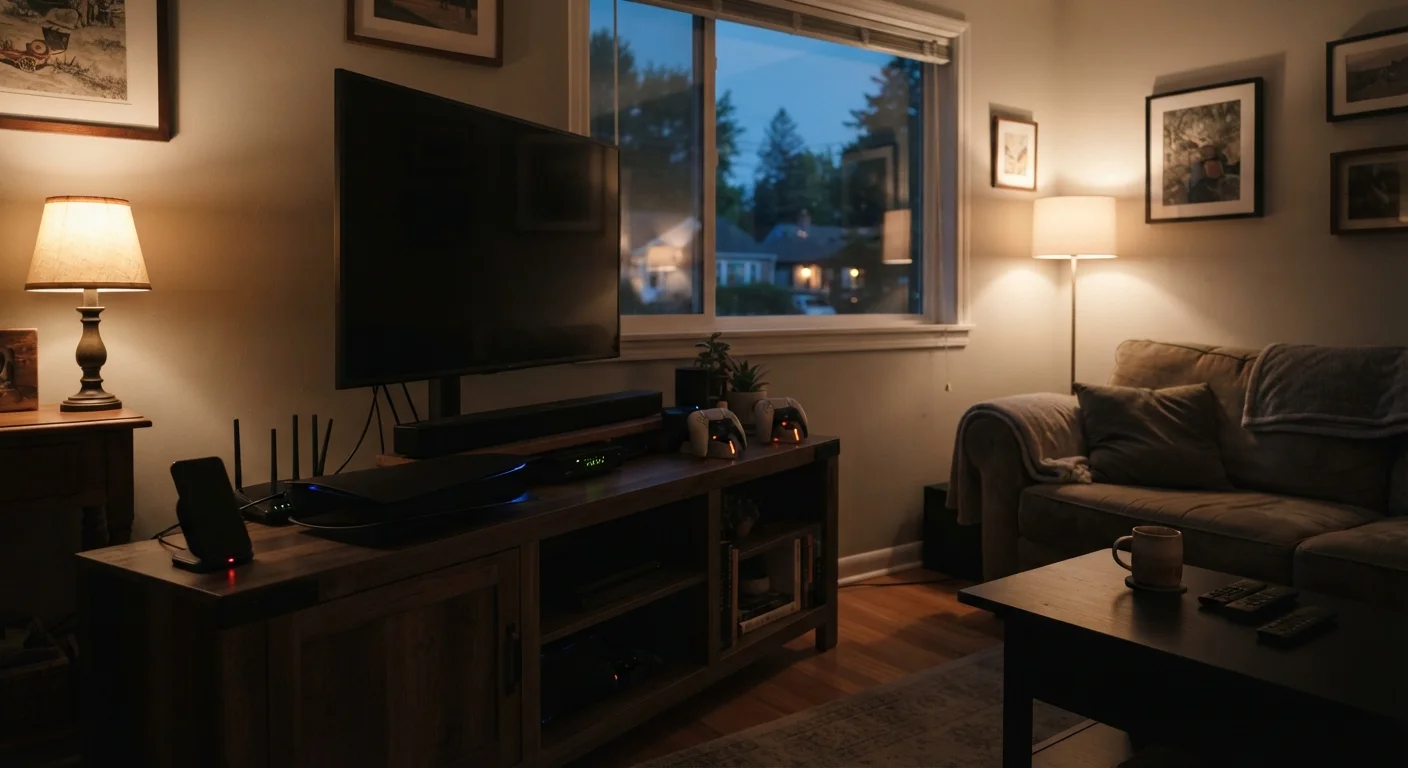
Some gadgets use more standby power than most people realise. Here's a practical look at common culprits and how to manage their impact.
Key takeaways
- Standby power — sometimes called 'vampire draw' — can account for a meaningful portion of a home's electricity use.
- Devices like game consoles, cable boxes, and older chargers are among the heaviest standby consumers.
- Smart power strips and plugs offer practical ways to cut idle energy use without constant manual effort.
- Knowing which devices draw the most power at rest helps you prioritise where small changes make the biggest difference.
The Power You're Paying For Without Knowing It
Most households have between 20 and 40 devices plugged in at any given moment. A significant number of them are drawing electricity around the clock — not because they're working hard, but because they're waiting. This idle consumption, often called standby power or "vampire draw," can account for roughly 5–10% of residential electricity use, according to data from the U.S. Department of Energy.
The tricky part is that standby drain rarely shows up as a single obvious line on your bill. It's diffuse — spread across a television left on sleep mode, a cable box that never fully powers down, a phone charger that stays warm even when nothing's plugged into it. Individually, each one seems negligible. Together, they quietly add up month after month.
This isn't about fear or guilt — it's about recognising where your money is actually going so you can make intentional choices. The devices below are among the most common culprits in American homes. Understanding how they behave at rest is the first step toward managing them more effectively. For a broader look at how spending patterns quietly compound, see how small financial leaks add up.
Cable and satellite boxes
Cable and satellite set-top boxes are among the worst offenders in standby consumption. Unlike most modern electronics, many older models run at near-full power even when you're not watching — because they're continuously syncing program guides and recording schedules in the background.
Studies by the Natural Resources Defense Council found that some cable boxes consume as much energy as a full-size refrigerator over the course of a year. Newer equipment certified under Energy Star standards has improved, but legacy hardware — which millions of households still rent from providers — often hasn't caught up. If your provider offers an upgraded, more efficient box, it's worth asking about it.
Some older cable boxes consume as much annual energy as a full-size refrigerator.
Game consoles
Modern game consoles are powerful computers, and that capability comes with a power cost — even when they're sitting idle. Many consoles default to an "instant-on" or "connected standby" mode that keeps them ready to accept voice commands, download updates, and wake instantly. That convenience draws significantly more power than a true shutdown.
Switching a console from instant-on mode to an energy-saving or full shutdown mode can reduce its standby draw from 10–15 watts down to under 1 watt, depending on the model — a meaningful difference across 365 days. The setting is typically found in the console's power management menu and takes about a minute to change.
Switching a console out of instant-on mode can cut standby draw by more than 90%.
Chargers and power adapters
A phone charger left plugged into the wall — with nothing attached — still draws a small amount of power. On its own, a single modern charger in this state uses only a fraction of a watt. The issue is scale: most households have multiple chargers, laptop adapters, and power bricks plugged in across several rooms simultaneously.
Older, bulkier chargers — the "wall wart" style with transformer blocks — tend to draw more idle current than newer compact designs. If an adapter feels noticeably warm when nothing is charging, it's converting that electricity into heat rather than useful energy. Unplugging adapters when not in use is the simplest fix, though a switched power strip achieves the same effect with less effort. This connects to a broader point about how charging technology affects energy use.
An adapter that stays warm when idle is silently converting your electricity into wasted heat.
Smart home hubs and always-on speakers
Voice-activated speakers and smart home hubs are designed to listen continuously, which means they're never truly off. A device waiting for a wake word draws a steady baseline of power — typically between 1 and 4 watts — twenty-four hours a day. That's by design: responsiveness is the whole point.
For households with several of these devices distributed across rooms, the cumulative draw adds up. If you have smart speakers in rooms you rarely use, physically unplugging them when those spaces aren't occupied is the most straightforward way to eliminate their standby load entirely. Most re-establish their settings within seconds of being replugged.
Smart speakers are designed never to fully sleep — which means they draw power around the clock.
Older desktop computers and monitors
Desktop computers that are set to "sleep" rather than shut down still consume power — often between 2 and 10 watts, depending on age and configuration. External monitors in standby mode add to this, as can peripheral devices like printers, external drives, and USB hubs that stay powered through the computer.
Configuring a desktop to shut down fully at the end of the day — rather than sleeping indefinitely — eliminates most of this draw. On Windows and macOS, power plans and energy saver settings allow automatic shutdowns on a schedule. Pairing a desktop and its peripherals on a single switched power strip makes cutting all of them off at once quick and effortless. Software bloat can also affect how efficiently a device runs; signs your devices are carrying too much software explores how unused apps affect device performance.
A desktop in sleep mode — plus its peripherals — can quietly draw power all night, every night.
Older televisions
Flat-screen televisions have become far more efficient over the past decade, but older LCD and plasma sets — as well as newer models with aggressive "quick-start" features enabled — can draw more standby power than their successors. A quick-start mode keeps core components warm so the TV responds to the remote instantly, at the cost of continuous low-level consumption.
Checking your TV's settings menu for a quick-start or instant-on option and disabling it trades a slightly slower startup (usually just a few extra seconds) for meaningfully reduced idle draw. It's one of the easiest settings-level changes available on most modern televisions and costs nothing to try.
Disabling quick-start mode on a TV costs you a few seconds at startup but reduces idle draw noticeably.
Taking Back Control Without Overhauling Your Home
You don't need to unplug every device every night to make a meaningful difference. A few deliberate changes — applied to the right devices — can reduce standby waste without disrupting your routine.
Power strips with individual switches let you cut power to a cluster of devices — say, your TV, soundbar, and streaming stick — with a single click. Smart plugs go further by letting you schedule shutoff times or control devices remotely; smart plugs explained covers exactly what they can and can't do in real home settings.
It's also worth separating fact from assumption. Some widely held beliefs about device power use — like the idea that screensavers save energy, or that turning a TV off and on wastes more power than leaving it on — don't hold up to scrutiny. gadget myths that keep costing people money is a useful companion read for separating those assumptions from the evidence.
Managing standby draw is also one component of keeping devices in good working order over time. Thermal stress from continuous power cycling in poorly ventilated spaces can shorten a device's lifespan — something covered in detail in keeping your gadgets in good shape for longer. Small adjustments to how and where you plug in can pay off in more ways than one.
Use a Smart Plug to Automate the Off Switch
If manually unplugging devices feels impractical, a smart plug on a simple timer schedule can do the job automatically. Set entertainment clusters or desktop peripherals to cut power overnight or during work hours when they go unused. The upfront effort is minimal, and the habit becomes invisible once it's set.
This article is for general informational purposes only. Actual energy consumption varies by device model, usage patterns, and local electricity rates. Consult your utility provider or a qualified energy auditor for advice specific to your home.
All published content on this website is for informational and educational purposes only and should not be taken as professional advice. We recommend that readers seek expert opinion before making any decisions. The website is not responsible for any actions taken based on the information provided on this website. We are not liable for any inaccuracies, modifications, or omissions in information. Moreover, external links or third-party content are provided for convenience; we are not liable for their correctness. Users are advised to verify every piece of information before they use it for any purpose.