
Why Your Bluetooth Headphones Keep Disconnecting (and What to Do About It)

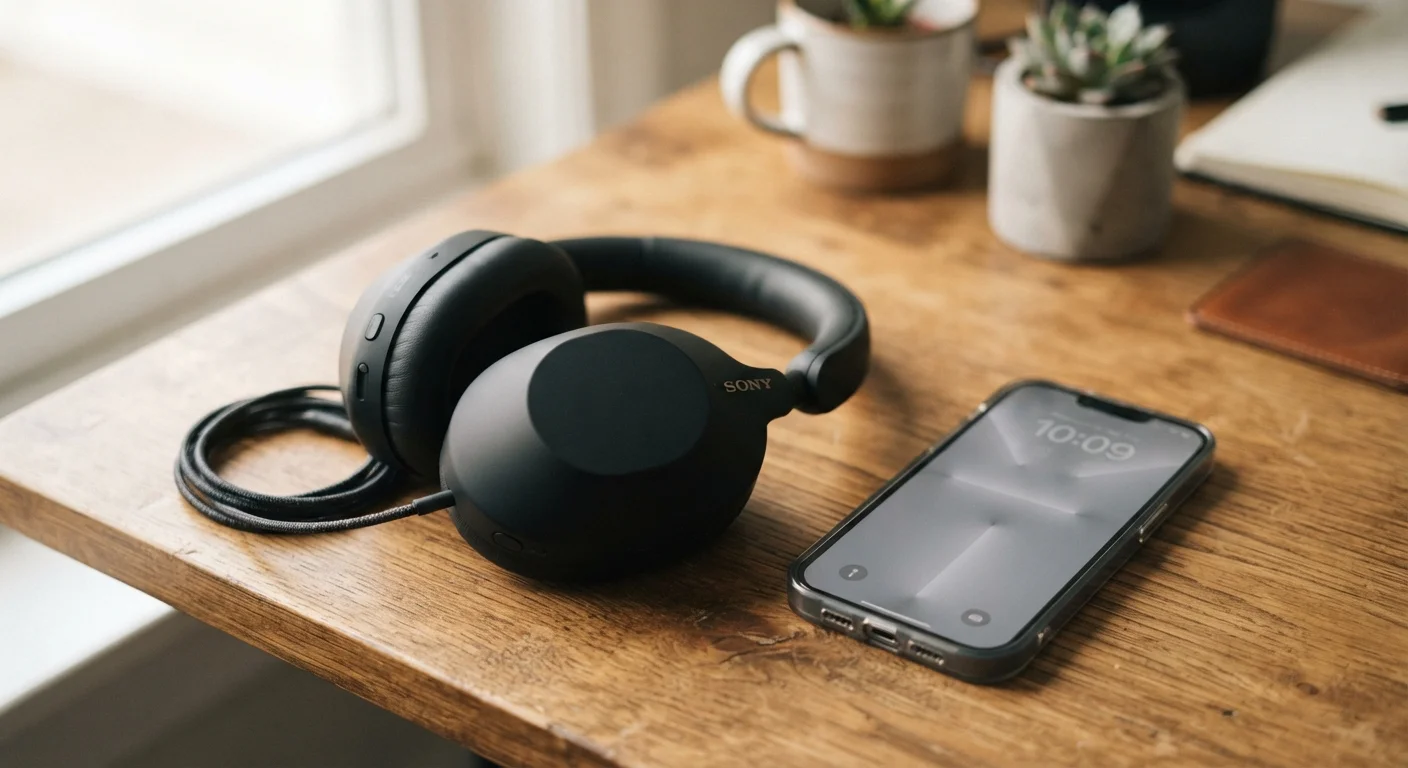
Frequent dropouts are one of the most frustrating gadget problems. Here's what causes Bluetooth instability and how to fix it without replacing anything.
Key takeaways
- Most Bluetooth disconnections are caused by interference, outdated firmware, or overcrowded device memory — not broken hardware.
- Keeping your headphones within 30 feet of the source device eliminates a large share of dropout issues.
- Clearing stale paired devices and updating firmware resolves connectivity problems in many cases.
- Wi-Fi routers, microwaves, and other wireless devices can actively disrupt a Bluetooth signal.
- Resetting your headphones to factory settings is a reliable last resort before assuming a defect.
Why Bluetooth Drops Are So Common
Bluetooth is one of the most widely used short-range wireless technologies in the world, connecting everything from headphones to keyboards without a single cable. But its convenience comes with a trade-off: the 2.4 GHz radio band it operates on is shared with dozens of other technologies in your home, office, or commute. When that band gets crowded, your audio gets choppy.
The good news is that the vast majority of disconnection problems have straightforward, non-technical fixes. Understanding why the problem happens is half the battle. Below are the most common mistakes people make that lead to constant dropout — and exactly what to do instead.
Operating too far from the source device.
Why it happens: Bluetooth's effective range is roughly 30 feet in open space, but walls, furniture, and the human body all reduce that significantly. People assume wireless means unlimited range.
Ignoring interference from other wireless devices nearby.
Why it happens: Wi-Fi routers, baby monitors, microwaves, and other Bluetooth devices all share the 2.4 GHz frequency band. Most people aren't aware that using a microwave or standing next to a router can actively degrade headphone audio.
Never clearing out old paired devices from the headphones' memory.
Why it happens: Bluetooth headphones store a list of previously paired devices. When that list fills up, the headphones can struggle to maintain a stable connection with your current device as they attempt to 'check in' with other remembered devices nearby.
Skipping firmware updates for the headphones.
Why it happens: Many people don't realize headphones have firmware — small software programs that control how the device operates. Outdated firmware can contain bugs that cause connectivity issues manufacturers have already patched.
Using headphones with a critically low battery.
Why it happens: As battery charge drops, headphones reduce power to non-essential systems to conserve energy. The Bluetooth radio is often one of the first components affected, resulting in weaker signal strength and more frequent drops.
Placing the source device in a pocket or bag facing away from the headphones.
Why it happens: The human body absorbs Bluetooth radio waves effectively. When a phone is in a back pocket with the screen facing the body, the signal must pass through tissue before reaching the headphones, weakening the connection considerably.
Steps to Take When Nothing Else Works
If you've worked through the common mistakes above and your headphones are still dropping, a few additional steps are worth trying before concluding the device is defective.
Don't Assume Your Headphones Are Defective
Jumping straight to a return or replacement is one of the most common — and costly — reactions to persistent Bluetooth issues. In the majority of cases, the underlying cause is environmental interference, outdated software, or a stale pairing profile rather than a hardware fault. Work through the troubleshooting steps systematically before concluding the hardware itself is at fault. If the device is still under warranty and nothing resolves the issue, contact the manufacturer's support team directly — they can run diagnostics and advise on legitimate defect claims.
Forget and Re-pair the Device
On both your headphones and source device, delete the existing pairing entirely. A corrupted Bluetooth pairing profile can cause persistent instability that a simple reconnect won't fix. Forgetting the device forces both sides to negotiate a fresh connection with clean data.
Test With a Different Source Device
Pair your headphones with a completely different phone, tablet, or computer. If the dropouts disappear, the problem is with your original device's Bluetooth radio or software — not the headphones. If the problem persists across multiple devices, a warranty claim or manufacturer support contact is the logical next step.
Perform a Factory Reset
Most headphones have a factory reset procedure (typically holding a button combination for several seconds — check your manual). This wipes stored pairings and returns the firmware to its baseline state, often resolving deep software glitches that no amount of reconnecting will fix.
Bluetooth technology is genuinely reliable when used within its designed parameters. The majority of users who experience chronic disconnections find a resolution through one of the fixes described here — no replacement required.
All published content on this website is for informational and educational purposes only and should not be taken as professional advice. We recommend that readers seek expert opinion before making any decisions. The website is not responsible for any actions taken based on the information provided on this website. We are not liable for any inaccuracies, modifications, or omissions in information. Moreover, external links or third-party content are provided for convenience; we are not liable for their correctness. Users are advised to verify every piece of information before they use it for any purpose.