
Budgeting by Spreadsheet vs. Budgeting by App: What Changes and What Doesn't

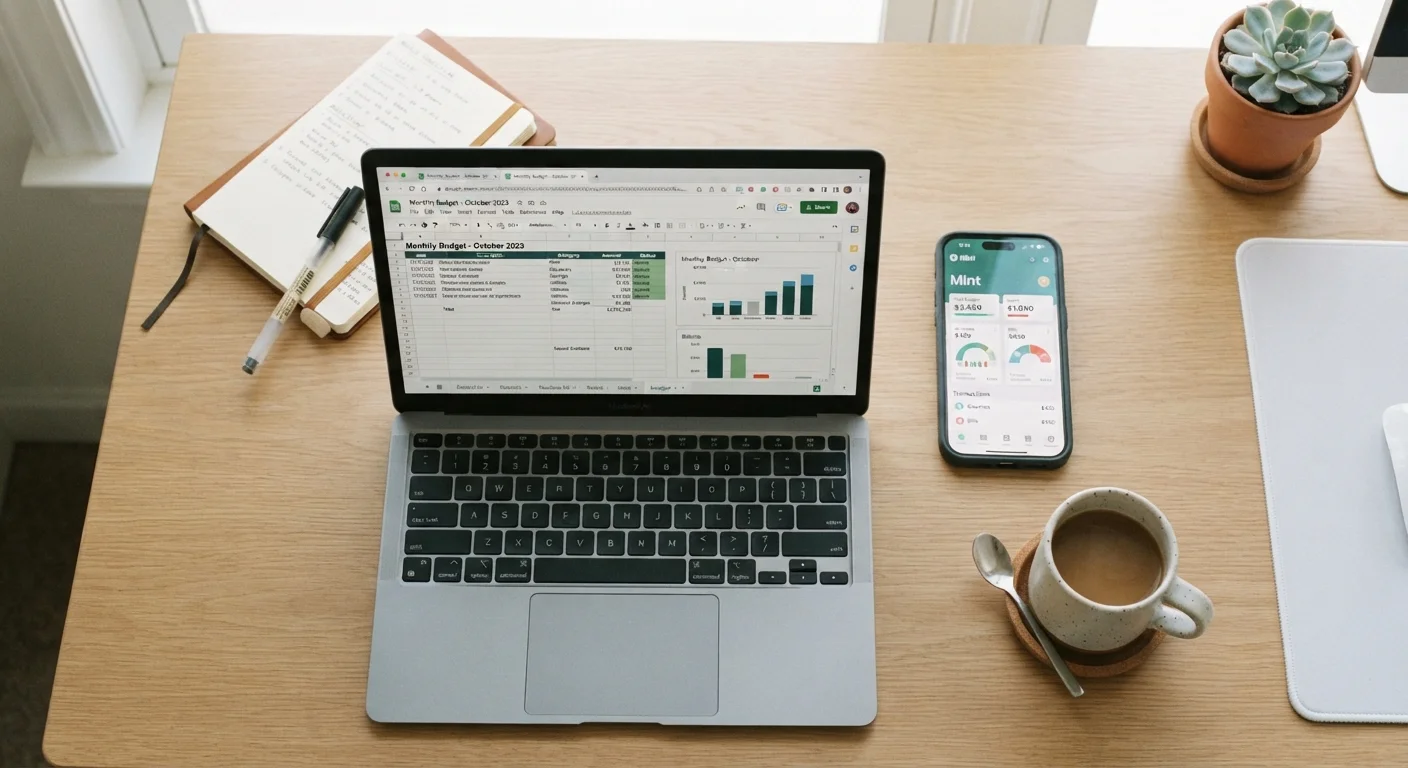
Spreadsheets offer control; apps offer automation. This side-by-side look at both approaches helps you decide which suits your habits.
Our Verdict
Neither spreadsheets nor budgeting apps are universally superior — the right choice depends on your habits, comfort with technology, and how much customization you need. Spreadsheets reward detail-oriented users who want to build and own every element of their system; apps serve people who need low-friction daily tracking and don't mind some automation. The underlying budgeting principles are the same either way.
| Best for | Recommended |
|---|---|
| Those who want complete customization and full data ownership | Spreadsheet |
| Those who prefer automation and on-the-go mobile tracking | Budgeting App |
| Those working within strict time or cost constraints | Spreadsheet (free) or free app tier |
| Those managing complex household finances or multiple income streams | Spreadsheet with periodic app support |
Key takeaways
- Spreadsheets give you full control over categories, formulas, and layout — but require consistent manual effort.
- Budgeting apps automate transaction syncing and reporting, reducing friction but sometimes limiting customization.
- The core discipline of tracking income and expenses applies equally to both tools.
- Privacy concerns and potential subscription costs are worth weighing before choosing an app.
- Many people combine both approaches — using an app for daily tracking and a spreadsheet for annual planning.
The Core Question: Tool or System?
Before comparing features, it helps to separate the tool from the system. A budget is a spending and saving plan — the tool is simply how you record and monitor it. Whether you use a spreadsheet or an app, you still need to define income, list expenses, set limits, and review regularly. Neither tool does that thinking for you.
What each tool does change is the friction involved: how long it takes to enter data, how easy it is to see patterns, and how much flexibility you have to shape the system around your life. Understanding that distinction makes the comparison more useful. For a broader look at the planning frameworks that work inside any tool, see the complete guide to personal budgeting.
What Spreadsheets Do Well
A spreadsheet — whether in Google Sheets, Excel, or a similar program — is a blank canvas. You decide every category name, every formula, every color-coded flag. That granularity appeals to people who want to see exactly how their system works rather than trusting a black box.
- Full customization: Build categories that match your actual life, not a preset list designed for the average user.
- No ongoing cost: Most spreadsheet tools are free or included with software you already use.
- Data ownership: Your file lives where you put it — no third-party server holds your bank details.
- Auditability: Every formula is visible. You can trace any number back to its source.
The trade-off is maintenance. Every transaction requires manual entry unless you build or download import scripts. That friction is actually a feature for some users — the act of typing in each purchase creates mindfulness around spending. For others, it's the reason the spreadsheet gets abandoned by February.
Start Simple, Then Build
If you're new to spreadsheet budgeting, resist the urge to build an elaborate system on day one. A single tab with income, fixed expenses, variable expenses, and a running balance is enough to get started. You can add complexity — savings goals, debt tracking, annual views — once the basic habit is established. Complexity you don't use is just clutter.
What Budgeting Apps Do Well
Dedicated budgeting apps are built around reducing the daily effort of tracking. Most connect directly to bank and credit card accounts, pulling transactions automatically and categorizing them — imperfectly at first, but improving as you correct errors over time.
- Automation: Transactions appear without manual entry, lowering the barrier to staying current.
- Mobile access: Check your remaining grocery budget mid-aisle rather than waiting until you're at a computer.
- Visual reporting: Trend graphs, category breakdowns, and alerts are built in — no formula writing required.
- Sync across devices: Partners or household members can view the same budget in real time.
Apps vary widely in cost. Some offer genuinely useful free tiers; others gate core features behind a monthly or annual subscription. Before committing, it's worth reading when a paid app tier actually makes sense to avoid paying for features you won't use. Also worth noting: connecting financial accounts to a third-party app means sharing login credentials or read-access tokens — a privacy and security consideration that deserves careful thought.
Side-by-Side: How They Stack Up
The table below captures the practical differences across the dimensions most budgeters care about. Note that individual apps and spreadsheet setups vary — these reflect general tendencies, not guarantees.
| Spreadsheet | Budgeting App | |
|---|---|---|
| Setup effort | High — build from scratch or customize a template | Low — guided onboarding, connect accounts |
| Daily maintenance | Manual entry required for each transaction | Mostly automated with occasional corrections |
| Customization | Unlimited — any category, formula, or layout | Limited to what the app allows |
| Cost | Typically free or included in existing software | Free tiers vary; paid plans often $3–$15/month |
| Privacy and data security | Data stays local or in your own cloud account | Financial data shared with third-party servers |
| Mobile usability | Workable but less convenient on small screens | Designed for mobile; easy on-the-go access |
| Learning curve | Moderate — requires formula and layout knowledge | Low to moderate — interface-driven |
| Reporting and visuals | Manual — build your own charts | Built-in graphs, trends, and alerts |
For context on how these tools fit different budgeting philosophies — zero-based, pay-yourself-first, or the 50/30/20 split — see budgeting frameworks compared side by side.
What Doesn't Change Regardless of Tool
Switching from a spreadsheet to an app — or back — won't fix a budget that isn't working. The habits that determine success are tool-agnostic:
- Reviewing regularly. A weekly or monthly check-in is necessary whether your data is automated or hand-entered.
- Adjusting categories over time. Life changes; your budget should too. Both tools support this, but neither does it automatically.
- Being honest about spending. Automation can make it easy to ignore overspending. Manual entry can make it tempting to skip inconvenient transactions. Neither tool prevents self-deception — only you can.
If you're drawn to more tactile, category-based tracking, the envelope budgeting method offers a useful contrast — and its core logic applies whether you implement it digitally or on paper.
This article is for general informational and educational purposes only and does not constitute personalized financial advice. For guidance specific to your situation, consider consulting a licensed financial professional.
All published content on this website is for informational and educational purposes only and should not be taken as professional advice. We recommend that readers seek expert opinion before making any decisions. The website is not responsible for any actions taken based on the information provided on this website. We are not liable for any inaccuracies, modifications, or omissions in information. Moreover, external links or third-party content are provided for convenience; we are not liable for their correctness. Users are advised to verify every piece of information before they use it for any purpose.