
The Assumptions That Lead People to Download Apps They Never Use

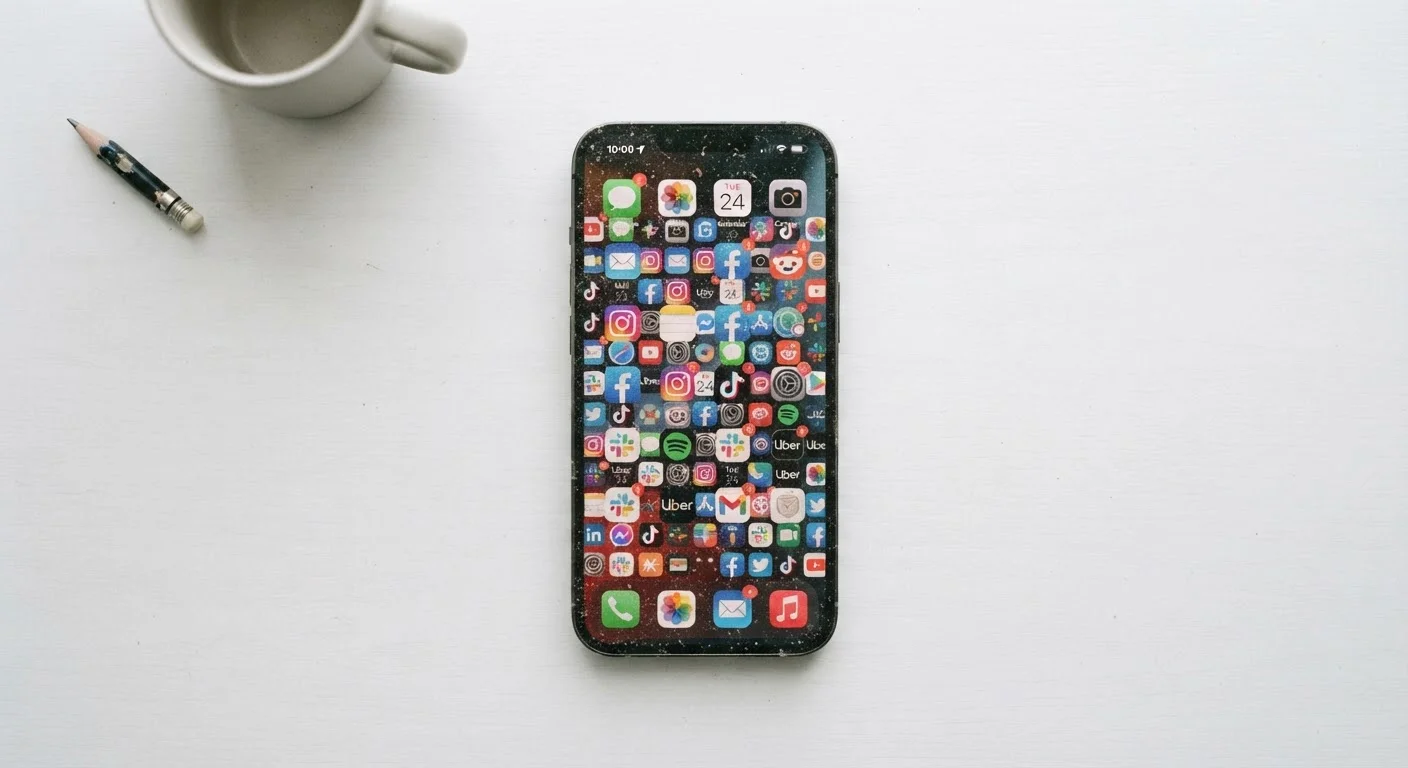
Most downloaded apps are abandoned within weeks. Explore the common misconceptions that drive impulsive downloads and how to break the cycle.
Key takeaways
- Most downloaded apps are abandoned within the first week of installation.
- High ratings and large download counts don't guarantee an app will meet your specific needs.
- Free apps often carry hidden costs through subscriptions, data collection, or upsells.
- A built-in phone tool frequently does the same job as a third-party app download.
- Deliberate evaluation before downloading saves storage, battery life, and mental bandwidth.
Why Most Apps Get Abandoned
Research from mobile analytics firms consistently shows that a significant share of downloaded apps are opened only once before being abandoned. Yet the cycle repeats: a notification, a social media recommendation, or a moment of frustration sends people back to the app store chasing a solution they may already have in their pocket.
The problem isn't usually a lack of willpower. It's a set of deeply ingrained assumptions about what apps are, how they work, and what they cost — assumptions that look reasonable in the moment but fall apart within days of installing. Understanding where those assumptions come from is the first step toward building a more deliberate digital toolkit. If your phone is already feeling sluggish from accumulated installs, signs of digital clutter are worth knowing before you add anything new.
Myth
If an app has millions of downloads and a four-star rating, it will probably work well for me.
Fact
Aggregate ratings reflect the average experience of a broad population, not your specific workflow or device setup.
App store ratings pool reviews from users with vastly different needs, devices, and technical comfort levels. A note-taking app beloved by students may frustrate professionals who need robust formatting tools. Ratings also skew positive because satisfied users rarely bother to rate at all, while frustrated users often do — or vice versa depending on the platform's prompt timing. Before downloading, look for reviews that describe a use case similar to your own, and check whether recent reviews align with older ones, since updates can dramatically change an app's behavior.
Myth
Downloading a free app costs me nothing.
Fact
Free apps commonly monetize through subscriptions, in-app purchases, advertising, or data collection — all of which carry real costs.
The word "free" in an app store listing describes only the initial download price. Many apps employ a freemium model: core features are accessible at no charge, while the functions that make the app genuinely useful sit behind a paywall. Others generate revenue by displaying ads, selling anonymized usage data to third parties, or bundling partner promotions into the experience. Reading the privacy label and checking the in-app purchase disclosures before downloading gives a far more accurate picture of what the app will actually cost over time.
Myth
There must be a dedicated app for this — my phone can't do it on its own.
Fact
Modern smartphones come with built-in tools that cover a wide range of tasks people routinely download third-party apps to perform.
Default apps on both major mobile platforms have expanded significantly over the past several years. Built-in options now handle tasks including document scanning, expense tracking, sleep monitoring, password management, file compression, and translation — functions that once required separate downloads. Before installing a new app, it's worth checking the native settings and pre-installed apps on your device. A built-in tool carries no additional privacy risk, no subscription prompt, and no extra storage overhead.
Myth
I'll definitely use this app — I just need to get into the habit.
Fact
Habit formation around apps is far harder than it feels in the moment of downloading, and most usage drops off sharply within the first week.
The enthusiasm that drives a download — sometimes called "the novelty effect" in behavioral research — fades quickly when an app requires learning a new interface, regular manual input, or a change in existing routines. Habit researchers generally note that new behaviors need consistent environmental cues and immediate rewards to stick. Most apps offer neither by default. A more reliable test: use the app's web version or a free trial for several days before committing to a full install. If you return to it without prompting, the habit may genuinely form.
Myth
An app that claims to boost productivity or save time will automatically do so for me.
Fact
Productivity gains from any tool depend almost entirely on how consistently and correctly it is used — the app itself is neutral.
App store descriptions are marketing copy. Phrases like "save two hours a week" or "streamline your workflow" describe outcomes observed under specific conditions, not guarantees transferable to every user. A task management app can reduce missed deadlines for someone who inputs tasks diligently, and do absolutely nothing for someone who forgets to open it. The friction of learning a new system often offsets any efficiency gains for weeks. Honest self-assessment of whether you'll maintain the required behavior is more predictive of value than any feature list.
Myth
If I don't like the app, I can just delete it and there's no lasting effect.
Fact
Some apps leave behind data, permissions, and in some cases active subscriptions even after uninstallation.
Uninstalling an app removes the software from your device, but it does not automatically cancel any associated subscription, revoke permissions granted to third-party services, or delete data already uploaded to the developer's servers. Subscriptions tied to an app store account continue billing until explicitly cancelled through the account settings — not through the app itself. Some apps also request access to contacts, location, or photos during setup; that data may have already been processed or shared before you deleted the app. Reviewing your active subscriptions and connected app permissions periodically helps surface these lingering commitments.
The Hidden Costs You Don't See in the App Store
Even when the misconceptions above are corrected, one category of assumptions deserves extra attention: cost. The word "free" creates a powerful psychological anchor that leads many people to underestimate the true price of an app download.
Recurring subscription fees are the most tangible hidden cost. A productivity app listed at no charge may be fully functional for only seven days before a paywall appears. Multiply that pattern across a handful of impulsive downloads and the monthly total climbs quickly. For a clear look at how those recurring charges accumulate, subscription app costs add up faster than most people expect.
The less visible cost is attention. Every app that earns a home screen slot competes for cognitive space — its icon is a standing invitation to switch tasks. Research in behavioral science suggests that notification-heavy environments measurably reduce sustained focus, even when notifications go unread. Downloading an app isn't just a storage decision; it's a commitment of mental bandwidth.
Subscription Cancellation Requires a Separate Step
Deleting an app from your phone does not cancel any paid subscription attached to it. Subscriptions are managed through your app store account settings — on iOS under your Apple ID subscriptions, and on Android through Google Play's subscriptions section. If you don't cancel there directly, billing continues regardless of whether the app is still installed. Check these dashboards periodically to avoid paying for services you no longer use.
A More Deliberate Approach to Downloads
Breaking the cycle doesn't require strict digital minimalism. It requires shifting the question from "could this app help me?" to "does my current setup actually fail me in this specific way?" That reframe surfaces whether you need a new tool or simply need to use existing tools more fully. Many phones come pre-loaded with calendar, notes, budgeting, and health-tracking capabilities that most users never fully explore — getting more from apps already on your phone is often more rewarding than adding new ones.
For tasks that genuinely need an external tool, it's also worth asking whether a full app install is necessary at all. Many functions — reading articles, tracking a package, filling out a form — can be handled through a mobile browser or a lightweight browser extension without any permanent installation. Comparing browser extensions and standalone apps can clarify which format genuinely fits the job.
Finally, treat the apps you do install as ongoing commitments rather than experiments. Check periodically whether each one still earns its place. Uninstalling unused software isn't a failure — it's routine digital hygiene that keeps your device faster, your data safer, and your attention less fragmented.
All published content on this website is for informational and educational purposes only and should not be taken as professional advice. We recommend that readers seek expert opinion before making any decisions. The website is not responsible for any actions taken based on the information provided on this website. We are not liable for any inaccuracies, modifications, or omissions in information. Moreover, external links or third-party content are provided for convenience; we are not liable for their correctness. Users are advised to verify every piece of information before they use it for any purpose.